Have you ever gone through a word; Industry-specific prompt libraries? I remember the first time I tried using one of those “smart” digital assistants to help me with a sales email back in 2023. It was a disaster. It sounded like a mix between a legal disclaimer and a very confused teenager trying to sound “professional.” I realized pretty quickly that the problem wasn’t the software it was my instructions. I was asking it for “help with sales,” which is about as useful as walking into a kitchen and asking for “food.”
The game changed when I started building what I now call “Industry Libraries.” Instead of asking these systems to be generalists, I started treating them like specialized hires. If you work in HR, Sales, or Support, you don’t need a tool that can write a poem about a toaster; you need a tool that understands the nuances of a performance review, the psychology of a cold open, or the delicate art of de-escalating an angry customer.
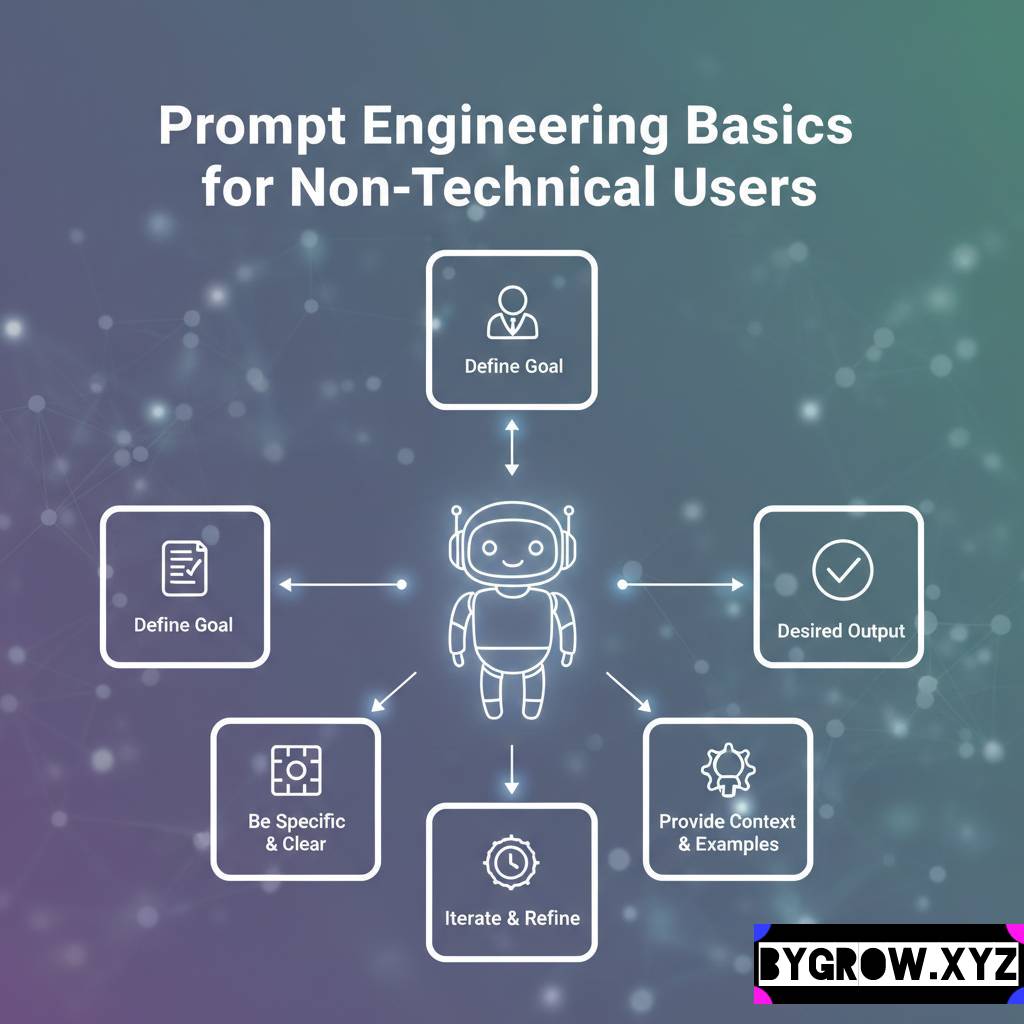
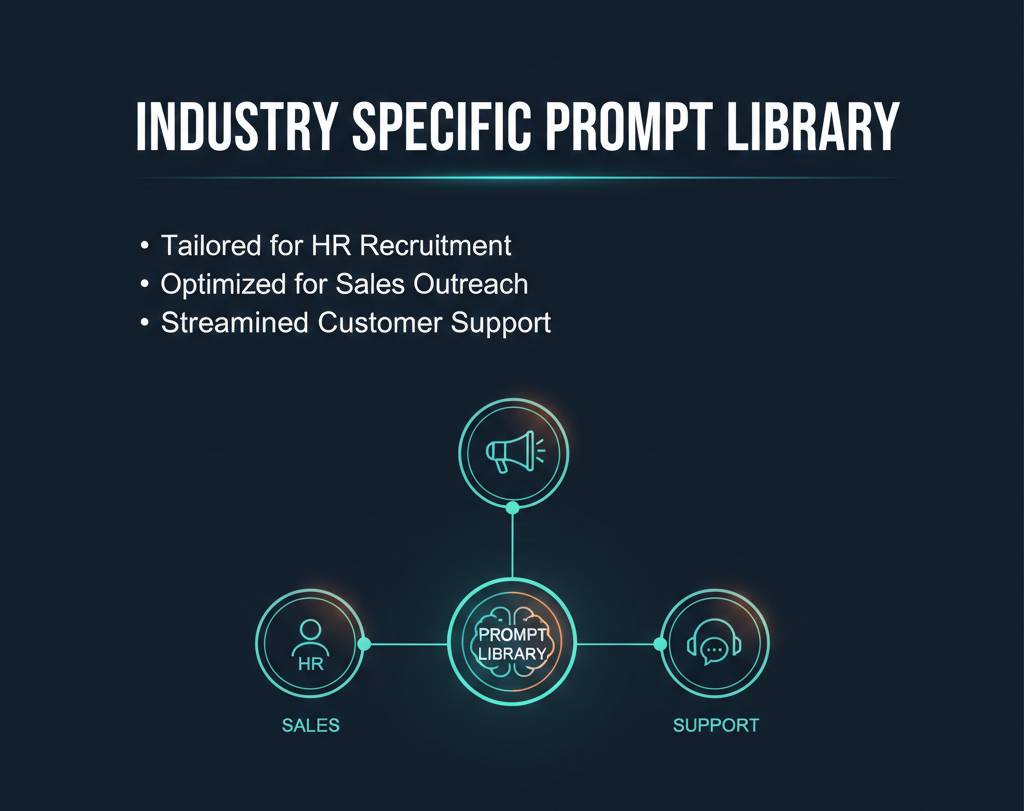
If you’re still typing in one-sentence requests and wondering why the output feels “off,” it’s because you haven’t built your library yet. Here is how I’ve structured specialized instruction sets for the three biggest departments in most businesses, and how you can do the same.
The Sales Library: Turning “Boring” into “Booked”
Sales is probably the hardest area to get right because the “human” element is so high. If your outreach sounds even 1% like a template, it’s going straight to the trash. A good sales prompt library isn’t just about writing emails; it’s about research and “pattern interrupts.”
One of the most effective scripts I’ve built for sales teams focuses on the “Obsessive Researcher” persona. Instead of asking for a pitch, the instruction looks like this:
- The Intent: “I want you to act as a senior account executive who values brevity and deep research. Look at the following LinkedIn profile and recent company news. Identify one specific challenge they are likely facing and mention it in the first sentence. Do not use words like ‘hope this finds you well’ or ‘reaching out.'”
When you save this in a library, your team doesn’t have to remember to be brief. The system is already programmed to be a high-performer. Other staples in a sales library should include:
- The “No-Pressure” Follow-up: Prompts that focus on being helpful rather than “just checking in.”
- The Objection Handler: Instructions that take a specific customer excuse (e.g., “we don’t have the budget”) and turn it into a value-driven conversation.
The HR Library: Diplomacy and Compliance
HR is a minefield. One wrong word in a job description can alienate talent, and one poorly phrased piece of feedback can lead to a meeting with legal. The “HR Library” is about consistency and tone.
I’ve seen a lot of managers struggle with performance reviews. They have the notes “Steve is great but needs to speak up more in meetings” but they don’t know how to phrase it constructively. A library instruction for this would be:
- The Intent: “Act as a compassionate but direct HR Lead. Take these raw notes about an employee’s performance and turn them into a formal review. Ensure the tone is ‘Radical Candor’ meaning we care personally but challenge directly. Highlight specific growth opportunities and avoid vague adjectives.”
This takes the emotional weight off the manager while ensuring the employee gets clear, actionable feedback. Other HR essentials include:
- The Culture-First Job Post: Prompts that strip out corporate jargon and replace it with your company’s actual voice.
- Internal Crisis Comms: Templates for explaining difficult changes (like a shift in health benefits) with empathy and clarity.
The Support Library: The Empathy Engine
If you’ve ever worked the front lines of customer support, you know it’s basically like being a human lightning rod. By 3 PM, your empathy reserves are bone dry. This is where a support-specific library becomes a lifesaver.
The key here is “De-escalation Logic.” Most support reps have “macros” (pre-written replies), but macros feel like macros. A smart instruction library allows you to feed in a customer’s angry rant and get a reply that actually addresses their specific points while maintaining a calm, helpful demeanor.
- The Intent: “A customer is upset about a shipping delay. They’ve been a loyal user for three years. Draft a reply that acknowledges their loyalty first, takes full responsibility for the delay without blaming the carrier, and offers a specific ‘make-good’ solution. Keep the language simple and avoid being defensive.”
Real-Life Style Example: The “Swamped” Support Manager
Let’s look at a friend of mine, Dave. Dave runs a support team for a software company. Every time they have a bug, his inbox explodes. Last month, they had a server outage. Dave didn’t have time to write 500 individual apologies, but he also didn’t want to send a mass “we’re sorry” blast because every customer was affected differently.
He used his “Support Recovery” prompt. He fed in the customer’s account tier and the specific length of their downtime. The system churned out personalized apologies that acknowledged the specific impact on theirbusiness. To the customer, it looked like Dave had spent twenty minutes writing to them personally. To Dave, it was a thirty-second task. His “satisfaction score” actually went up after the outage. That’s the power of a specialized library.
Practical Tips and “Library” Mistakes
Building these isn’t a “one and done” thing. It’s more like tending a garden. Here’s how to keep it from getting overgrown with weeds:
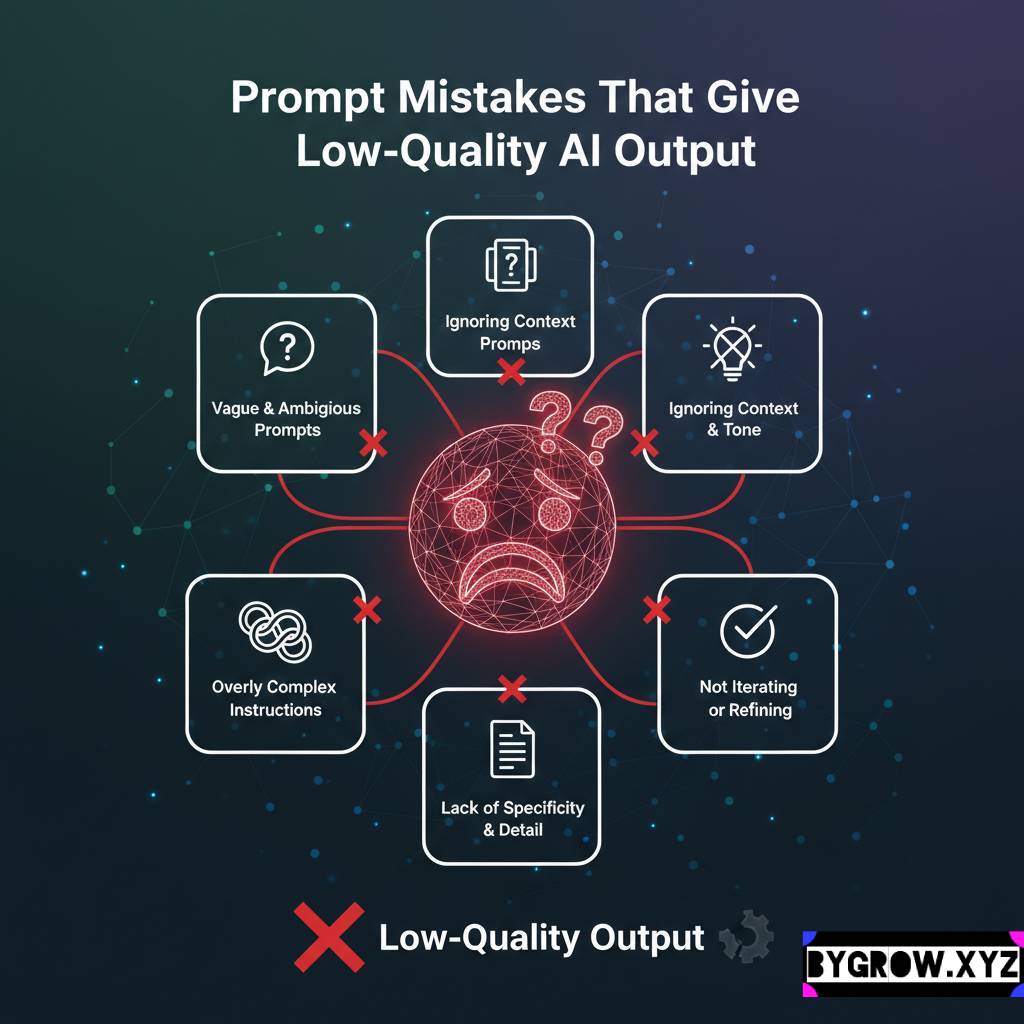
- Mistake: The “Everything” Prompt. Don’t try to make one instruction do everything. Have one for “Lead Generation” and a separate one for “Lead Nurture.” Specificity is your best friend.
- Mistake: Forgetting the Brand Voice. Every library should have a “Global Voice” section. If your brand is “fun and quirky,” your Sales, HR, and Support prompts should all reference that.
- Tip: Create a “Version 2.0.” Once a week, look at the results you got. If the Sales emails are coming back too long, go back into your library and add a constraint: “Maximum 3 sentences per paragraph.”
- Tip: Use “Negative Constraints.” Tell the library what not to do. “Never use the word ‘synergy'” or “Don’t apologize more than once per email.”
How to Start Your Own Library: Industry-specific prompt libraries
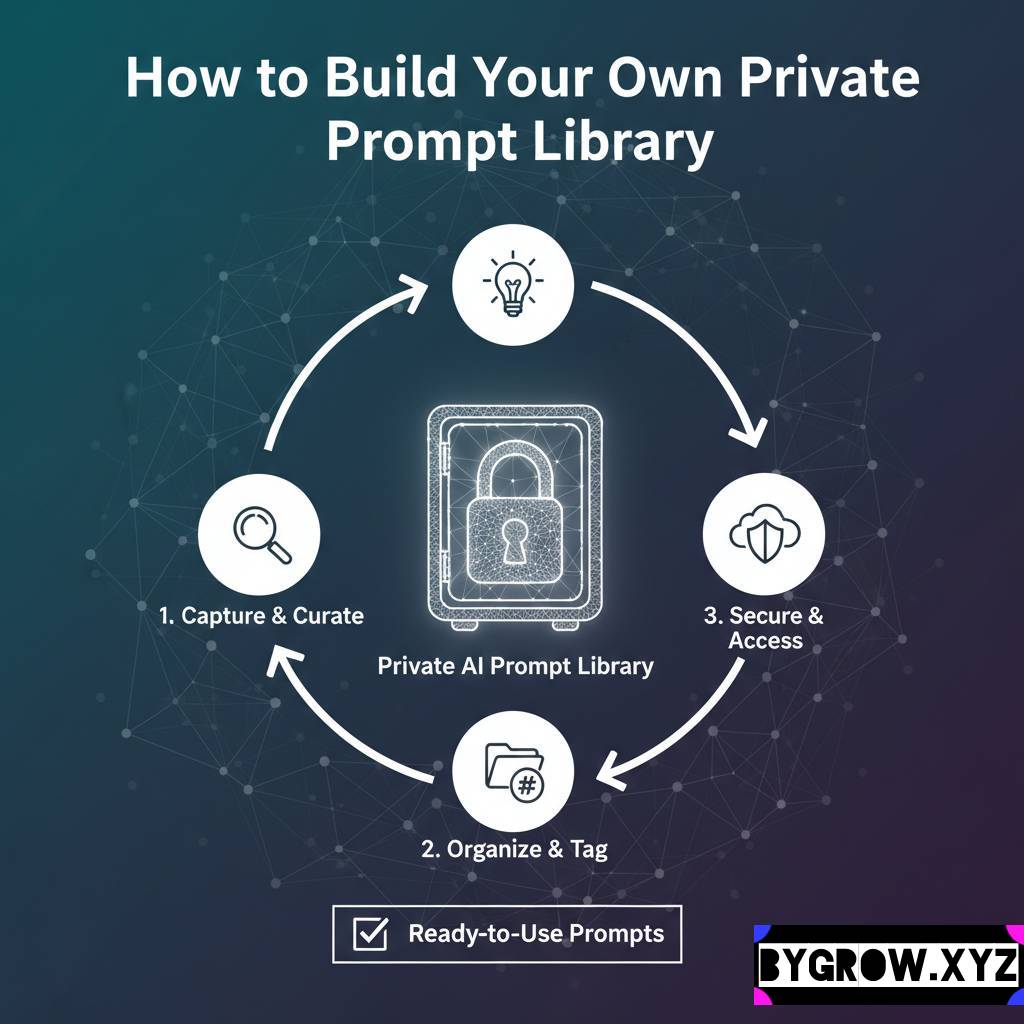
You don’t need a fancy database. Honestly, a shared Google Doc or a Notion page is plenty.
- Categorize by Department: Create folders for Sales, HR, and Support.
- Define the “Core Persona”: Write down who the system is supposed to be for each department (e.g., “The Gritty Sales Hunter” or “The Empathetic Support Guru”).
- Test and Refine: Run a few “raw” notes through your instructions. If the output doesn’t sound like someone you’d actually hire, tweak the instructions until it does.
The Bottom Line
The era of “one size fits all” automation is over. In 2026, the businesses that are winning are the ones that have built a “digital brain” for every department. By creating these industry-specific libraries, you aren’t just saving time; you’re ensuring that your brand sounds like itself, no matter how much you’re scaling.
YOU CAN ALSO READ:
Smart Cost-benefit analysis of AI adoption for startupsIt’s about moving from “What can this tool do?” to “How can this tool do it exactly the way we do?” Once you make that shift, you’ll stop fighting with your software and start wondering how you ever lived without it.
Explore more categories:
https://bygrow.in/category/ai-in-marketing-seo-and-content-creation/
https://bygrow.in/category/ai-tools-automation-for-business/