Being a solopreneur, It’s essential to learn AI workflow automation nowadays. It often feels like trying to host a massive dinner party where you are also the chef, the waiter, the dishwasher, and the entertainment. You have eight arms in theory, but in reality, you’re just one person spinning too many plates. The dream of “freedom” usually gets buried under a mountain of invoices, social media captions, and the endless “just checking in” emails that eat up your Tuesday mornings.
For a long time, the only way to scale a one-person business was to stop being a one-person business you had to hire.But lately, the game has changed. We’ve entered an era where you can build a “digital department” without a single human on payroll. It’s not about finding a magic button that does your work for you; it’s about building a connected system that handles the heavy lifting so you can actually do the work you’re good at.
If you’re still moving data from a spreadsheet to an email manually, or if you’re staring at a blinking cursor for three hours every time you need to write a blog post, you’re essentially working a minimum-wage job inside your own company. Here is how to build a smart, automated engine that keeps your business running while you’re actually living your life.
The Mental Shift: From Doer to Architect
Most people fail at automation because they try to automate tasks in isolation. They find a tool that writes emails, and another that schedules posts, and maybe one that tracks expenses. But these tools don’t talk to each other. You end up as the “bridge” between five different pieces of software, which is just another form of busywork.
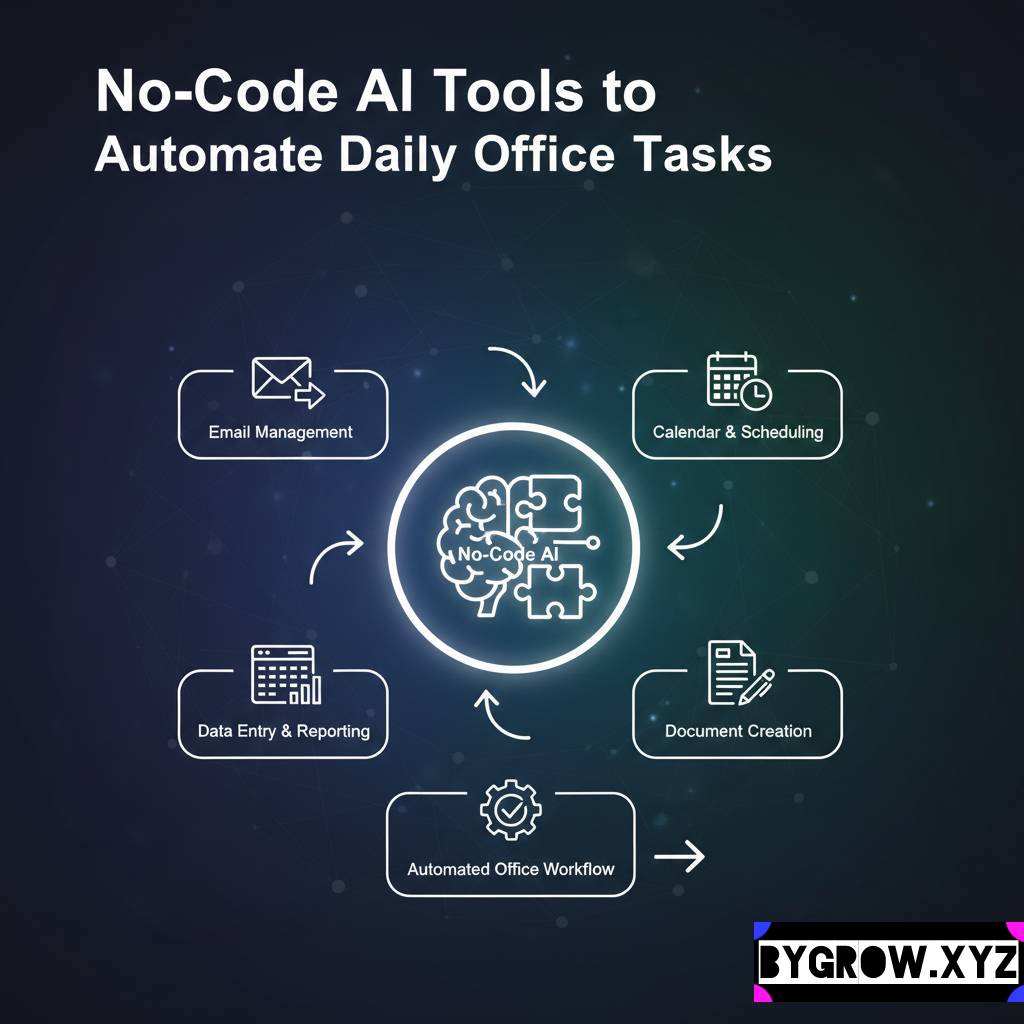
The shift happens when you start looking at your business as a series of “loops.” A loop is a process that starts with a trigger like a new customer inquiry and ends with a result like a booked call and a sent proposal.
In a smart workflow, you aren’t the one doing the work; you are the one approving it. You move from being the person who writes the draft to the person who edits the draft. You move from the person who finds the leads to the person who decides which leads are worth a phone call.
The “Invisible Employee” Stack
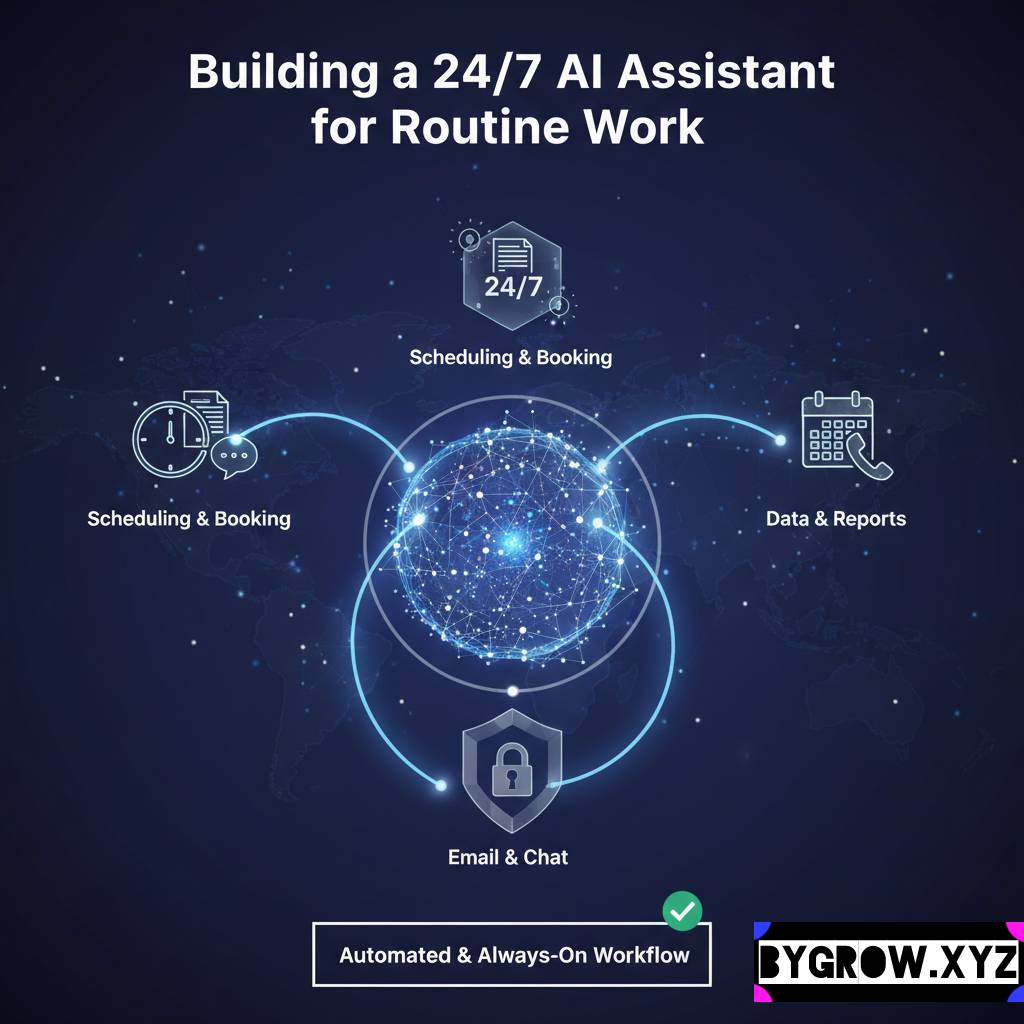
To build a truly automated business, you need three layers of tech working in harmony. Think of it like a body: you need the nervous system (connectors), the brain (intelligent analysis), and the hands (execution).
- The Connectors (The Nervous System): Tools like Zapier or Make are the glue. They allow your calendar to talk to your email, and your email to talk to your task manager. Without these, you’re just using a bunch of disconnected gadgets.
- The Intelligent Layer (The Brain): This is where modern smart tools come in. These systems can now “read” an incoming email, understand the sentiment, and categorize it. They can take a 30-minute podcast recording and instantly turn it into five LinkedIn posts, a newsletter, and a summary.
- The Execution Layer (The Hands): These are your delivery tools your email marketing platform, your CRM, or your website.
When you link these three, you create a workflow that doesn’t just store information, but actually processes it.
Real-Life Example: Mark’s Content Machine
Let’s look at Mark, a solo consultant I worked with last year. Mark was brilliant at his job, but he was invisible online because he “didn’t have time” for marketing. Every time he sat down to write a post, he’d get distracted by a client email or just run out of creative energy.
We built him a “Content Loop.”
- The Trigger: Every time Mark finishes a consulting call, he records a 2-minute voice memo on his phone summarizing the biggest lesson from the session.
- The Process: That audio file automatically uploads to a folder. An intelligent system transcribes it, identifies the “hook,” and drafts three different social media posts in Mark’s specific brand voice.
- The Approval: Every Friday morning, Mark gets a notification on his phone. He opens a document, spends 10 minutes tweaking the drafts to make sure they sound like him, and hits “Approved.”
- The Result: The system automatically schedules those posts for the following week.
Mark went from posting once a month to posting three times a week. He didn’t spend more time; he just changed how the time was used. He provided the “soul” (the voice memo), and the automation handled the “labor.”
YOU CAN ALSO READ:
Future of AI tools: what will disappear by 2030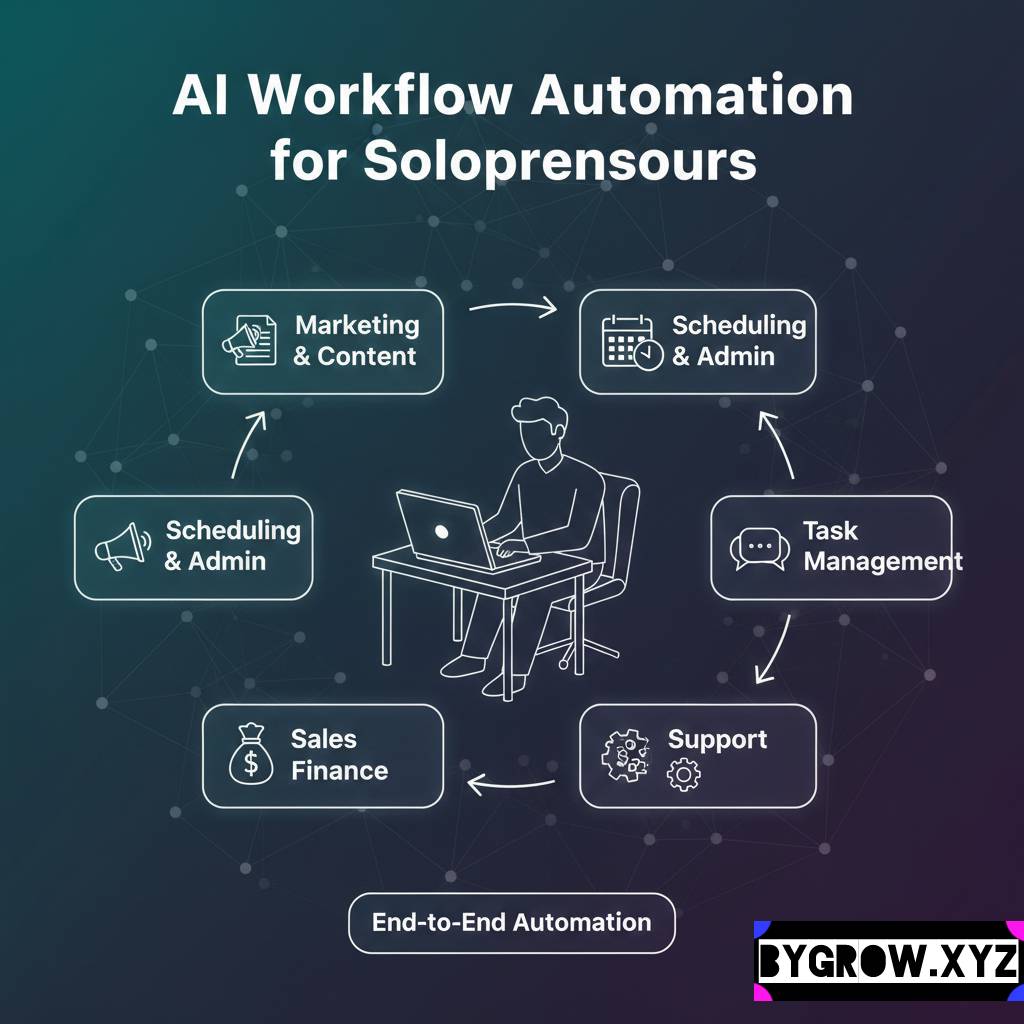
How to Build Your First Automated Loop
If you’ve never done this before, don’t try to automate your whole life in one weekend. You’ll just end up with a mess of broken links. Start small and build momentum.
Step 1: The “Ugh” Audit
Spend one week tracking every task you do. Every time you think, “I hate doing this,” or “This is so repetitive,” put a star next to it. These are your prime candidates for automation. Usually, it’s things like:
- Invoicing and payment reminders.
- Formatting raw data.
- Initial lead vetting.
- Social media scheduling.
Step 2: Define the Logic
Before you touch a single tool, write out the process on paper. Use “If/Then” logic.
- If a new lead fills out my website form…
- Then check their company size.
- If they are over $1M in revenue, send them my booking link.
- If they are smaller, send them to my waitlist page and a free resource.
Step 3: Choose Your “Brain” and “Glue”
Pick a connector (like Zapier) and a smart drafting tool. Most modern business apps now have intelligent features built-in.Use them. For example, your CRM might already have a feature that can summarize your last three meetings with a client. Use that instead of writing your own notes.
Step 4: Build a “Review” Station
Never automate the final delivery. Always build in a “human check.” Whether it’s a Slack notification or a Trello card,make sure the system stops and waits for you to say “Yes, this looks good” before it sends anything to a client.
Common Mistakes and Growing Pains
I’ve seen a lot of solopreneurs get “automation fever” and accidentally delete the “person” from their “one-person business.” Avoid these traps:
- Automating the Relationship: Never automate your high-level client communication. If a client is paying you thousands of dollars, they want to hear from you, not a perfectly optimized script. Use automation to handle the logistics of the meeting, but keep the conversation human.
- The Complexity Trap: If a workflow has 15 steps and requires three different subscriptions to work, it’s going to break. Keep your loops simple. If you can’t explain the workflow to a ten-year-old, it’s too complicated.
- Ignoring the “Data In”: Your automated systems are only as smart as the information you give them. If your lead forms are vague, your “brain” layer will give you vague results. Be specific with the data you collect.
- Forgetting to Test: I once knew a guy who automated his cold outreach but forgot to test the link. He sent 500 emails with a broken “Schedule Here” button. He didn’t just lose leads; he looked like an amateur. Always run a “test lead” through your loop before you go live.
The Path Forward
The goal of all this isn’t to become a robot. The goal is to stop acting like one.
When you delegate the repetitive, soul-sucking parts of your business to an intelligent system, you free up your brain to do the things that actually matter. You get to spend more time on strategy, more time with your clients, and dare I say it more time away from your desk.
In 2026, the most successful solopreneurs won’t be the ones who work the hardest. They’ll be the ones who have built the best systems. They’ll be the ones who understand that their time is too valuable to spend on anything that doesn’t require a human heart and a human mind.
YOU CAN ALSO READ:
3 High Converting marketing prompts: Proven Tested ExamplesStart with one loop. Just one. Automate that one task that you dread every Monday morning. Once you feel that hit of dopamine from seeing a task finish itself, you’ll never want to go back to the old way of doing things.
Explore more categories:
https://bygrow.in/category/ai-for-developers-and-technical-limits/
https://bygrow.in/category/ai-in-marketing-seo-and-content-creation/