Using AI assistant for routine work can drastically improve the productivity and save huge time. Imagine waking up to an inbox that isn’t a chaotic mess of unread threads, but a neatly organized list of “to-dos” where half the work is already drafted and waiting for your approval. It sounds like a luxury reserved for high-flying CEOs with a fleet of personal assistants, but the reality in 2026 is that anyone with a laptop can build a digital shadow that works while they sleep. We aren’t talking about simple “out of office” auto-replies; we are talking about a persistent, 24/7 system that handles the grunt work so you can focus on the stuff that actually requires a human soul.
The biggest hurdle for most people isn’t the technology it’s the lack of a blueprint. We tend to treat our digital tools as separate gadgets rather than a unified team. When you start thinking of your software as a permanent employee rather than a search engine, your relationship with work changes. You stop being the person who “does” the task and start being the person who “manages” the result.
The Architecture of a Digital Shadow
Building an assistant that never sleeps requires three core components: a trigger, a brain, and a destination. Most people get stuck because they try to make one single tool do everything. In practice, the best systems are “modular” they use different specialized pieces of tech that talk to each other through an automation bridge.
Your “trigger” is the event that starts the work, like a new lead filling out a form or a specific keyword hitting your inbox. The “brain” is where the heavy lifting happens this is the intelligent layer that reads the context, drafts the response, or categorizes the data. Finally, the “destination” is where the finished work lands, whether that’s your CRM, a Slack channel, or your drafts folder.
How to Build Your Routine Assistant
Setting this up doesn’t require a computer science degree, but it does require about two hours of focused “architecting.” Here is the step-by-step process I used to automate about 70% of my administrative workload.
1. Document the “Ugh” Tasks
Spend two days carrying around a notepad. Every time you find yourself doing a repetitive digital task like moving data from a PDF to a spreadsheet or answering the same “How much do you charge?” email write it down. These are your candidates for automation. If you do it more than three times a week, it’s a waste of your life.
2. Choose Your Automation Bridge
You need a “glue” tool to connect your apps. Platforms like Make.com or Zapier act as the central nervous system. This is where you tell the system: “When X happens in App A, send it to the ‘brain’ for processing, then put the result in App B.”
3. Define the “Employee Persona”
This is the most critical part. When you set up the intelligent layer of your assistant, you have to tell it exactly who it is. If you want it to handle customer support, tell it: “You are a polite, slightly witty support lead for a boutique coffee brand. You prioritize speed but never sound like a robot. Always offer a discount code if the customer had a bad experience.”
4. Build the “Human-in-the-Loop” Checkpoint
Never let your assistant talk to the public without a safety net, at least at first. I always set my destination to a “Drafts” folder or a private Slack channel. I spend 10 minutes every morning reviewing what the system generated, making tiny tweaks, and hitting “Send.” It turns an hour of writing into five minutes of editing.
YOU CAN ALSO READ:
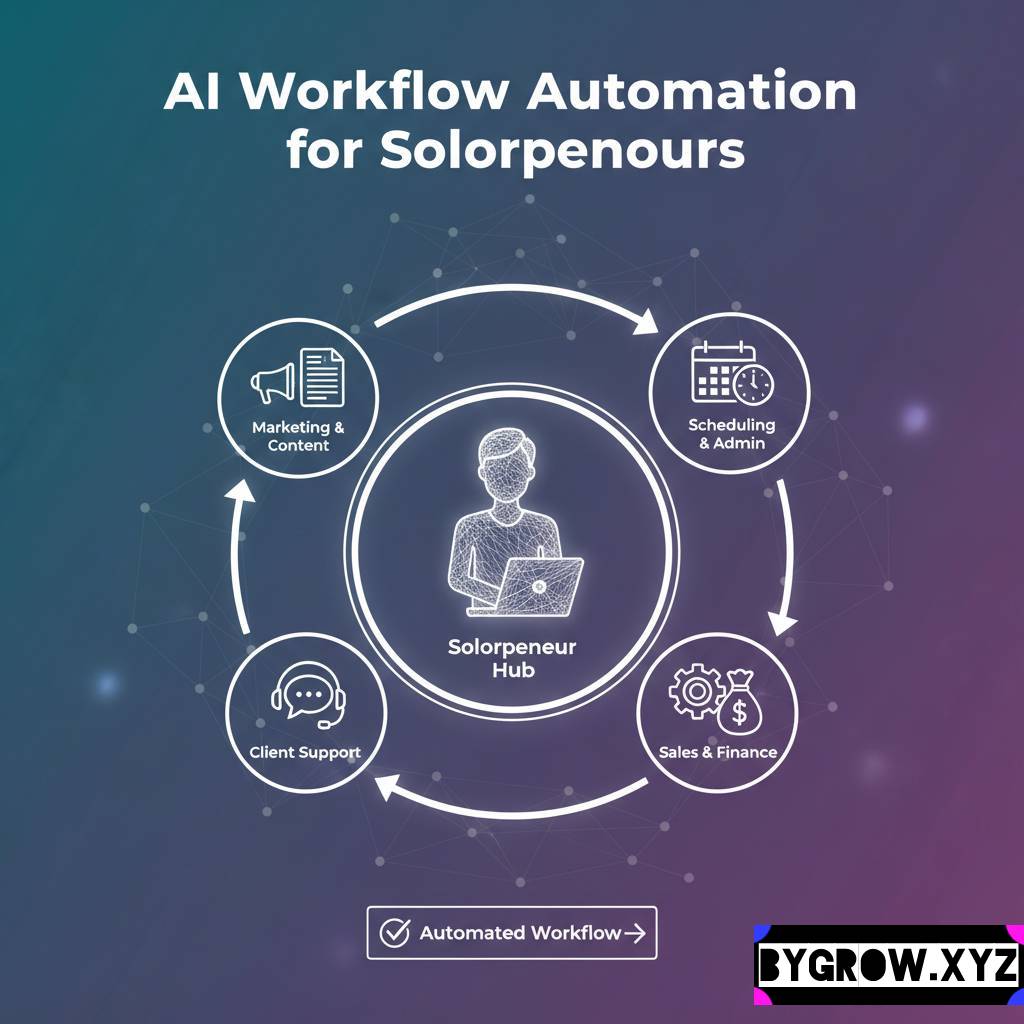
Effortless AI Workflow Automation for SolopreneursReal-Life Example: The “Late-Night” Real Estate Lead
A friend of mine, David, works in high-end real estate. His biggest problem was that leads would come in at 11:00 PM on a Friday, and by the time he saw them on Saturday morning, they had already messaged three other agents. He was losing thousands of dollars in potential commissions just by being a human who needs sleep.
We built him a simple 24/7 assistant. When a lead hit his website, the system would instantly read the inquiry. If the lead was asking about a specific property, the assistant would look up the “Fact Sheet” in David’s Google Drive and send a personalized email: “Hey, saw you were looking at the 4th Street loft. It actually has a private rooftop that isn’t in the main photos. Here is the full PDF. Would you like to see it on Tuesday?”
David woke up on Saturday to three pre-qualified leads who were already impressed by his “responsiveness.” He didn’t have to lift a finger during his Friday night dinner. He even used the extra commission he made that month to start a new brokerage account though I reminded him to ask your financial advisor before diving into heavy market investments.
Practical Tips and Common Mistakes: AI assistant for routine work
It’s easy to get over-excited and try to automate your entire life in one go. That usually leads to a broken system that sends weird messages to your clients.
- Mistake: The “Set it and Forget it” Trap. Processes change. If you change your pricing or your service list, you have to update your assistant’s instructions. Set a calendar reminder to “audit” your assistant once a month.
- Mistake: Forgetting Your Voice. If you are a casual, “Hey guys” kind of person, but your assistant writes like a 19th-century lawyer, people will notice. Always feed your assistant examples of your actual writing style.
- Tip: Use “Negative Constraints.” Tell your assistant what not to do. “Never use the word ‘delighted’.” “Never promise a refund without asking me first.” “Don’t mention our competitors.”
- Tip: Watch the Costs. Many of these tools charge per “task” or “run.” If you build a massive loop that triggers 5,000 times a day, you might get a surprise bill. Ask your financial advisor about the best way to categorize these software-as-a-service expenses for your business tax deductions.
Moving Beyond Simple Emails
Once you get the hang of a routine assistant, you can start pushing it into more complex territory. I’ve seen people use these systems to:
- Summarize Industry News: The assistant scans 50 blogs every morning and gives you a 3-paragraph summary of the only things that actually matter to your niche.
- Expense Management: Every time a receipt hits your email, the assistant identifies the category, calculates the tax, and logs it in your accounting software.
- Content Repurposing: You record a 5-minute video for YouTube, and the assistant automatically turns it into a blog post, three LinkedIn updates, and a Twitter thread.
Conclusion: Reclaiming Your Creative Margin
The goal of building a 24/7 assistant isn’t just to be “productive.” It’s to reclaim your creative margin. We are living in a world that is obsessed with “output,” but the highest-value work is usually the “input” the thinking, the strategy, and the genuine human connections.
When you delegate the routine work to a digital shadow, you aren’t just saving time; you are saving your mental energy. You stop ending the day feeling “fried” from clicking buttons and start ending the day feeling like you actually moved the needle on your big goals.
YOU CAN ALSO READ:
Future of AI tools: what will disappear by 2030Start small. Pick the one task that you dread doing every Monday morning and build an assistant for just that. Once you see it work for the first time, you’ll realize that the only thing standing between you and a more balanced life was a little bit of digital architecture.
Explore more categories:
https://bygrow.in/category/ai-for-developers-and-technical-limits/
https://bygrow.in/category/ai-in-marketing-seo-and-content-creation/