Let’s discover the Design tasks AI can do better than Humans. Have you ever sat through four hours of manually removing the background from a frizzy-haired model’s head, only to realize you still have fifty more photos to go? It’s enough to make even the most passionate designer want to throw their tablet out the window. We’ve all been there the “grunt work” of design often swallows up the actual “creative” part, leaving us feeling more like factory workers than artists.
The truth is, the landscape of our industry has shifted. While we used to pride ourselves on our technical precision with the Pen Tool, modern digital assistants have quietly taken over the tasks that used to define our workdays. And here is the kicker: they aren’t just faster; in many cases, they are actually doing a more consistent job than we ever did. Accepting this doesn’t mean your career is over; it means your career is finally evolving past the boring stuff.
The Death of Manual Image Cleanup: Design tasks AI can do better
Remember the days of the “Clone Stamp” tool? Spending hours trying to remove a stray power line from a landscape shot or fixing a blemish on a portrait without making the skin look like plastic was a rite of passage. Today, that feels like using a horse and carriage on a highway.
Content-aware systems and generative fills have reached a point where they can predict texture, lighting, and shadow better than the human eye often can. When you ask a modern tool like Adobe Firefly or Photoroomto remove an object, it doesn’t just smudge the area; it reconstructs the background based on a deep understanding of geometry. This is a task that is now firmly in the “done better by machines” category. The sheer speed and accuracy mean that what used to be a $500 retouching job is now a five-second button click.
High-Speed Iteration and Layout Testing: Design tasks AI can do better
Designers often fall in love with their first idea. We get attached to a specific layout or color palette because we spent three hours building it. This “sunk cost” bias is a creative killer.
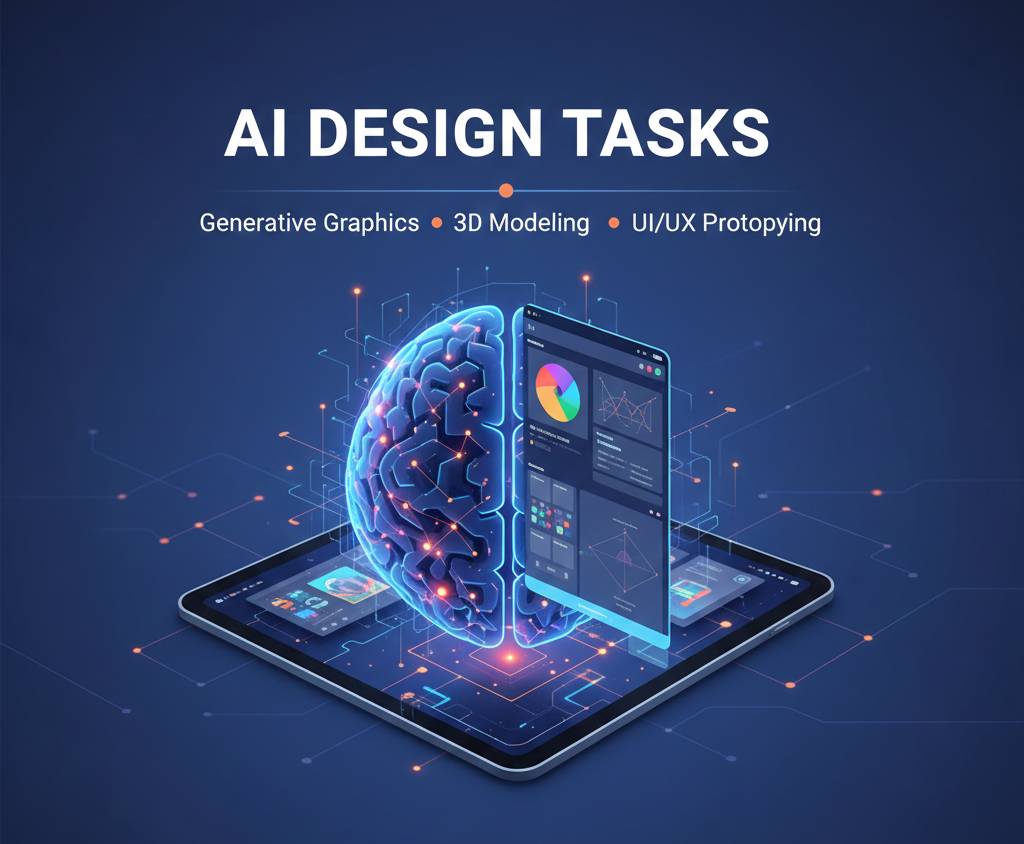
Smart layout tools like Uizard or Framer can now take a rough napkin sketch and turn it into a high-fidelity wireframe in seconds. They can generate hundreds of variations of a landing page based on proven conversion data. Can a human designer create a beautiful layout? Absolutely. Can a human designer create 100 variations of that layout, each optimized for a different user demographic, by lunchtime? Not a chance.
By letting a system handle the heavy lifting of “variations,” we move from being the person who moves pixels to the person who makes the final strategic choice. It’s about being a curator instead of a laborer.
The Toolbox: Essential Gear for the Modern Designer
If you’re still doing everything the “old school” way, you’re essentially handicapping your own earnings. To stay competitive in 2026, you need to integrate these specific tools into your daily workflow.
- Adobe Firefly (Generative Fill): For the love of all that is holy, stop manual masking. This tool handles extensions, removals, and lighting adjustments in seconds.
- Midjourney (V6+): This isn’t just for “cool art.” It’s for mood boarding. Instead of spending six hours on Pinterest, describe the “vibe” and get ten high-end references instantly.
- Khroma: This is the best tool I’ve found for color theory. It learns which colors you like and generates limitless palettes based on your personal style. It’s significantly faster than manually tweaking hex codes.
- Fontjoy: Choosing font pairings used to be a game of trial and error. This tool uses deep learning to find pairings that mathematically balance each other.
- Topaz Photo AI: If a client sends you a grainy, 200kb thumbnail and asks for a billboard, this is the only thing that will save you. It upscales and sharpens with incredible detail.
How to Automate Your Design Workflow
Transitioning to a high-speed workflow isn’t about learning to code; it’s about learning how to “direct” your tools. Here is the process I’ve used to cut my project time in half while keeping my quality at an all-time high.
1. The “Mood Board” Sprint
Start every project by describing the aesthetic to a generator like Midjourney. Use these results not as final work, but as a conversation starter with the client. It’s much easier to ask, “Do you like the lighting in version three?” than to guess from scratch.
2. Layout Prototyping
Use a tool like Relume or Uizard to generate the initial site structure. Since these tools use standard UI/UX patterns, the results are often more intuitive for users than a “unique” but confusing layout a designer might cook up.
YOU CAN ALSO READ:
The Future of Jobs in an AI World (2025–2030)3. Content Refinement
Use Adobe’s Neural Filters for all portrait work. Cleaning up skin, changing a facial expression, or adjusting the gaze of a subject is now a slider-based task. It’s more consistent across a 20-photo set than doing it manually.
4. The Final Polish
Run your finished assets through an optimizer like TinyPNG or a smart upscaler. Ensure every file is technically perfect without you having to manually check every resolution setting.
Real-Life Example: The “Emergency” Branding Job
A local restaurant owner called me on a Thursday afternoon. He was opening on Monday and realized his “cousin who knows Photoshop” had ghosted him. He needed a logo, menus, and social media templates in 48 hours.
In the past, I would have said no. But using a smart stack, I was able to deliver:
- I used Midjourney to generate 20 different icon concepts based on his “modern rustic” theme.
- I took his favorite and refined it in Illustrator.
- I used Brandmark.io to quickly generate a full color and typography system.
- I fed the menu text into Canva’s smart layout engine.
The client was thrilled, and I didn’t even have to cancel my Friday night plans. He paid me a premium for the “rush” job, and I actually spent less time on it than a standard project. I ended up putting that extra cash into a high-yield savings account though I always tell people, ask your financial advisor before you start shifting your business profits into aggressive investments.
Practical Tips and Growing Pains
The biggest mistake people make is thinking the tool will do the thinking for them. It won’t. If your taste is bad, your results will be bad.
- Mistake: “Prompt” Over-reliance. If you just type “cool logo” and call it a day, you’ll get something generic. You still need to understand composition, balance, and brand psychology.
- Mistake: Ignoring Copyright. Just because a tool generates a beautiful image doesn’t mean you own it or can trademark it. Always check the legal fine print of the software you’re using.
- Tip: Upskill in “Directing.” Your job description is shifting from “Artist” to “Creative Director.” Learn how to give better feedback to your tools.
- Tip: Watch Your Software Budget. These subscriptions add up fast. If you’re paying for five different image generators, ask your financial advisor if you should be consolidating those as deductible business expenses or finding a more cost-effective bundle.
The Shift from Craft to Concept
We are moving away from an era where “being a designer” meant you were good at using software. In 2026, being a designer means you are good at having ideas. The manual labor of design the masking, the kerning, the color grading is being swallowed by systems that can do it at a superhuman scale.
[Table: Manual vs. Smart Design Tasks]
| Task | Manual (Old Way) | Smart (New Way) |
| Background Removal | 15-30 Minutes | 2 Seconds |
| Color Palettes | 1 Hour of Tweaking | Instant AI Suggestion |
| Image Upscaling | “Blurry Mess” | High-Def Reconstruction |
| A/B Layout Testing | 5 Hours | 10 Minutes |
Conclusion: Don’t Fight the Future
The designers who are complaining about these tools are the ones who are going to be left behind. The ones who are thriving are the ones who realize that the “boring” parts of the job were actually holding them back.
When you stop spending your day doing tasks that a machine can do better, you suddenly have time to think about the why of a design. You can think about the strategy, the emotional impact, and the business goals of your client.
YOU CAN ALSO READ:
Prompt mistakes that give low-quality AI outputThe tools are just brushes. They’ve just gotten a lot smarter. Use them to do the repetitive stuff, and keep the “creative spark” for yourself. Your clients will get better work, you’ll make more money, and you’ll actually enjoy your Mondays again.
Explore more categories:
https://bygrow.in/category/ai-in-marketing-seo-and-content-creation/
https://bygrow.in/category/ai-tools-automation-for-business/