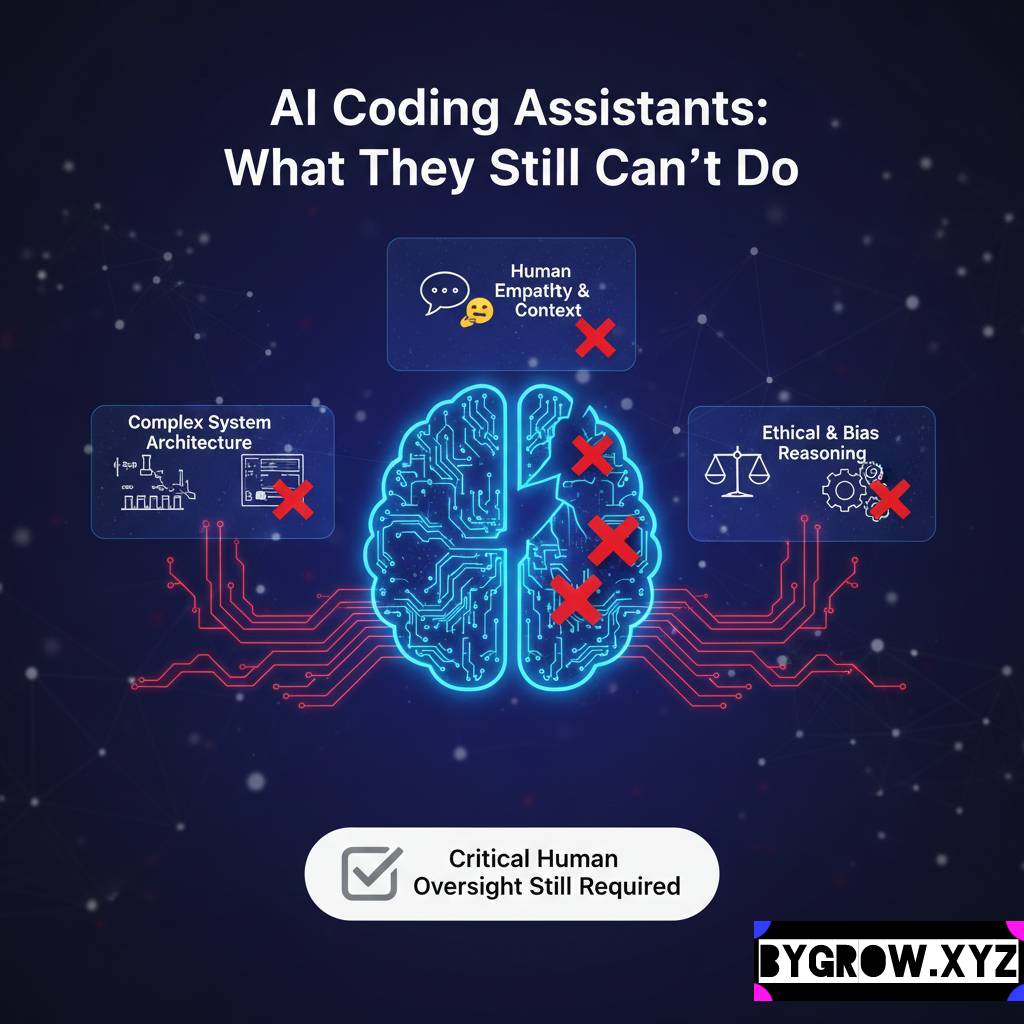
Have you ever got to know about wrong facts while reading an article? That can be AI hallucinations due to over use of AI. Asked a digital assistant for a specific fact, received a perfectly confident answer, and then realized after a bit of digging that the entire thing was a complete work of fiction? It is a surreal feeling. You’re staring at a screen that just told you, with absolute authority, that a certain historical event happened in 1924, only to find out it never happened at all. We call these “hallucinations,” and they are the single biggest hurdle between us and a truly automated future.
The problem isn’t that the technology is “lying.” Lying implies intent. Instead, these systems are designed to be helpful and fluent. They are essentially high-speed pattern recognizers. When they hit a gap in their knowledge, their primary instinct isn’t to say “I don’t know”; it’s to fill that gap with the most statistically likely words that would follow. It’s a bit like a person who is so desperate to please you that they’d rather make up a story than admit they’re lost.
Why Do These “Glitches” Actually Happen?
Think of a smart system as a giant library where all the books have had their covers ripped off and the pages shuffled together. The system has “read” everything, but it doesn’t “know” anything in the way a human does. It understands that the word “Paris” often appears near “Eiffel Tower,” but it doesn’t have a mental map of France.
When you give it a prompt, it’s navigating a massive web of probabilities. If you ask a question that is too obscure, or if you frame it in a way that suggests a certain answer, the system might accidentally veer off into a “probability rabbit hole.” It starts generating text that sounds plausible because the grammar is perfect, but the logic has completely detached from reality. This is why hallucinations are so dangerous they don’t look like errors. They look like expertise.
Real-World Examples of Digital Fables
To understand the stakes, we have to look at how these errors play out in the wild. Some are funny; others are career-ending.
- The Legal “Ghost” Precedents: In 2023, a lawyer used a smart tool to help write a legal brief. The tool provided a list of six previous court cases to support his argument. The lawyer submitted the brief, only for the judge to discover that none of those cases existed. The tool had “invented” names, docket numbers, and even judicial opinions that sounded exactly like real law.
- The Mushroom Guide Disaster: There was a terrifying instance where an automated book-generating system published a guide on foraging wild mushrooms. The “advice” it gave for identifying safe vs. poisonous mushrooms was factually incorrect and potentially lethal. It was hallucinating safety markers based on a mix-up of different species’ descriptions.
- The Executive “Death” Notice: A high-profile CEO once searched for a summary of their own life and was told they had died in a plane crash three years prior. The system had likely conflated a news report about a different executive with the CEO’s bio, creating a seamless but morbid hallucination.
How to Fact-Check Your Digital Assistant: AI hallucinations
You don’t have to stop using these tools, but you do have to stop trusting them blindly. Working with modern automation requires a “trust but verify” mindset. Here is a practical “How to” for spotting and stopping hallucinations before they cause trouble.
1. The “Source Request” Test
Whenever a tool gives you a specific fact, date, or name, ask: “Where did you get this information? Provide a link or a specific reference.” If the tool starts stammering or gives you a broken link, there is a high chance it’s hallucinating.
2. Cross-Reference with “Static” Databases
If you are doing research, use the smart tool for the outline, but use “old school” databases like Britannica, Google Scholar, or PubMed for the actual data. Use the tool to explain the concept, but use the database to verify the numbers.
YOU CAN ALSO READ:
Prompt mistakes that give low-quality AI output3. Use “Temperature” Settings
If you are using professional-grade tools like Playground or OpenRouter, you often have a “Temperature” slider. A higher temperature makes the output more “creative” (and prone to hallucinations). For factual work, turn the temperature down to 0.1 or 0.2 to force the system to be more literal and cautious.
4. The “Inverse” Prompt
If you’re unsure if a fact is real, try asking the system the opposite. For example, if it says “John Doe invented the lightbulb in 1890,” ask: “Why is it incorrect to say John Doe invented the lightbulb in 1890?” Sometimes, challenging the system forces it to “check its work” and reveal the error.
The Financial Hallucination Trap
One area where you absolutely cannot afford a hallucination is your wallet. I’ve seen people ask smart tools for “undervalued stocks” or “the best crypto for 2026.” The tool might give you a list of companies with detailed “reasons” why their stock is about to soar.
The problem? Those reasons might be based on financial reports from five years ago or, worse, a hallucinated merger that never happened. Using automated advice for wealth management is like taking medical advice from a parrot, it sounds like it knows what it’s saying, but it doesn’t understand the consequences. If you find yourself tempted by a “hot tip” generated by a digital tool, please, ask your financial advisor before you move a single cent of your hard-earned money. Real-world markets don’t care about “statistical probability” when a hallucination meets a real-world crash.
Practical Tips and Mistakes to Avoid
- Mistake: Leading the Witness. If you ask, “Why was George Washington the best surfer of his era?” the tool might try to be helpful and invent a story about his legendary surfing skills. Avoid “leading” questions. Keep your prompts neutral.
- Mistake: The “One and Done” Search. Never rely on a single output for a high-stakes task. Run the prompt three times. If you get three different answers, you’re in a hallucination zone.
- Tip: Use “RAG” Tools. Look for tools that use Retrieval-Augmented Generation. These systems (like Perplexity or You.com) are forced to look at real-time search results before they speak. They are much less likely to make things up because they are “grounded” in actual web pages.
- Tip: Watch the Dates. Most smart systems have a “knowledge cutoff.” If you ask about something that happened yesterday, and the system’s training ended six months ago, it will almost certainly hallucinate to fill the void.
The “Skeptical User” Toolbox
If you want to live on the cutting edge without falling off the cliff, keep these tools in your bookmarks:
- Perplexity.ai: Great for research because it cites every single sentence with a clickable source.
- Grounding Tools (within Vertex AI): For business owners, these allow you to “ground” your assistant in your own company documents, so it only talks about facts you’ve provided.
- FactCheck.org / Snopes: Still the gold standard for verifying “weird” facts that pop up in automated summaries.
- WolframAlpha: If you need math or hard data (population, chemical properties, physics), use this. It doesn’t “predict” the next word; it calculates the actual answer.
Conclusion: The Human in the Loop
At the end of the day, we have to remember that these tools are exactly that tools. They are incredibly powerful hammers, but they don’t know where the nails should go, and they certainly don’t know if the wood is rotten. Hallucinations aren’t a “bug” that will be fixed tomorrow; they are a fundamental part of how these probability-based systems work.
The goal isn’t to find a tool that never hallsucinates (because it doesn’t exist yet). The goal is to become a more discerning user. We need to develop a “digital intuition” that tells us when a sentence sounds a little too perfect or a fact feels a bit too convenient.
YOU CAN ALSO READ:
Design tasks AI can do better than humansEmbrace the speed, enjoy the creative brainstorming, and let the machines handle the formatting. But when it comes to the truth? Keep that job for yourself. Your reputation, your legal standing, and your bank account will thank you. And seriously if a digital tool tells you to put your life savings into a “guaranteed” investment don’t just click “buy.” Take a breath, close the laptop, and ask your financial advisor.
Explore more categories:
https://bygrow.in/category/ai-tools-automation-for-business/
https://bygrow.in/category/prompt-engineering-and-prompt-libraries/