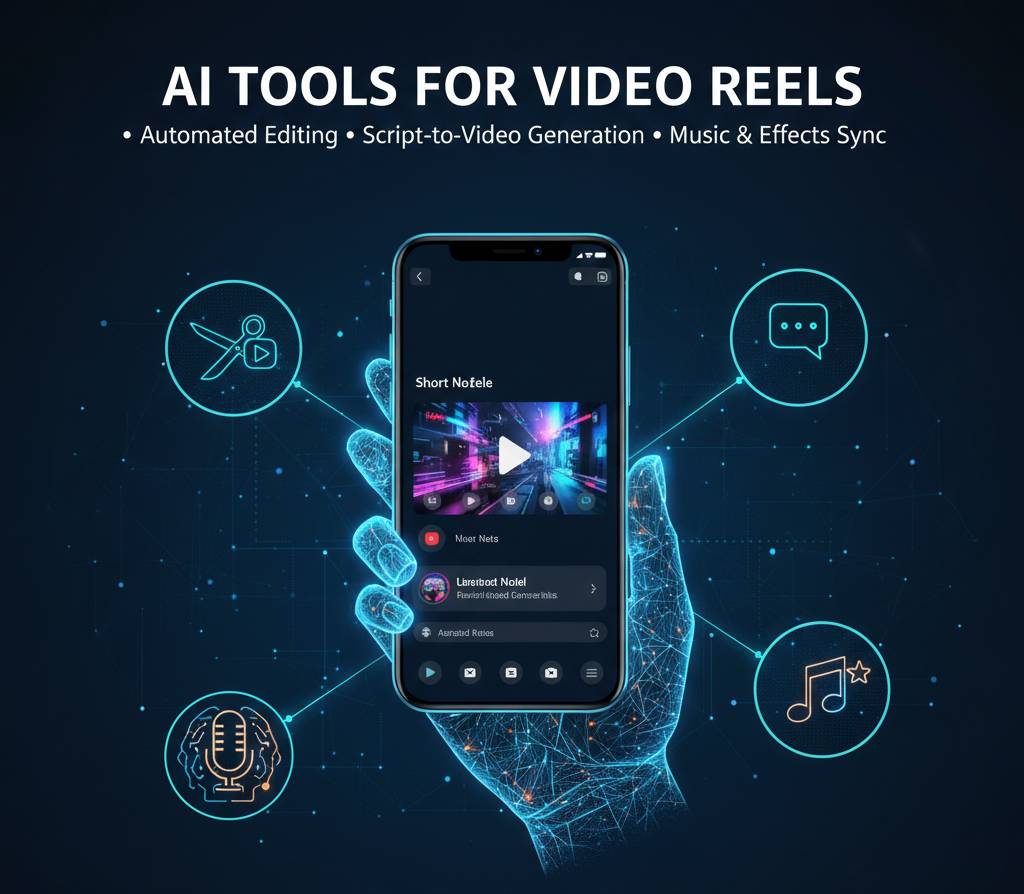
Did you ever used AI tools for video reels or scroll through Instagram or TikTok and wonder how that one creator manages to post three high-quality reels a day while you’re struggling to edit just one “behind the scenes” clip? It used to be that video production was a specialized skill that required an expensive MacBook Pro and weeks of learning the intricacies of Premiere Pro. But the walls have come down. Today, the difference between a viral creator and a hobbyist isn’t the camera they use; it’s the suite of intelligent “assistants” they use to handle the tedious parts of the process.
The demand for short-form content has reached a fever pitch. Whether you are a solopreneur trying to build a personal brand or a small business owner looking to drive sales, you simply cannot ignore vertical video. The good news? You don’t need a film crew. You just need to know which digital tools to lean on to handle the scripting, the subtitling, and the “dead air” removal that used to take hours.
The “Silent” Killer of Reach: Why Captions Matter
Most people watch short-form video in public on the bus, in line for coffee, or under the desk at work. This means they are watching on mute. If your video doesn’t have captions, 80% of your potential audience is scrolling past you within two seconds.
Manually typing out subtitles is a form of mental torture. Thankfully, tools like Submagic and Captions.ai have turned this into a one-click job. These aren’t just basic white text on a screen; they use dynamic, “Alex Hormozi style” captions that highlight keywords, add emojis automatically, and keep the viewer’s eye glued to the center of the frame. When the text moves and changes color, the brain finds it much harder to look away. This isn’t just a “nice to have” it’s a retention strategy that directly impacts the algorithm’s decision to push your video to more people.
Clipping the Long-Form: Making One Video Work Ten Times Harder
One of the smartest ways to stay consistent without burning out is “repurposing.” If you’ve ever recorded a long YouTube video, a podcast, or even a Zoom webinar, you are sitting on a goldmine of short-form content.
Systems like Munch, OpusClip, and Vidiofy are designed specifically for this. You feed them a 20-minute video, and they scan it for “viral moments.” They look for changes in pitch, specific keywords, and high-energy segments to automatically chop the long video into 10 or 15 short reels. They even handle the auto-reframing, making sure your face stays in the center of the vertical 9:16 frame even if you were moving around in the original horizontal shot. It’s the closest thing to having a full-time social media editor for the price of a couple of pizzas.
The Toolbox: Essential Gear for Video Dominance: AI tools for video reels
If you’re still trying to do everything inside the basic Instagram editor, you’re making life way too hard for yourself. Here is the stack I recommend for anyone serious about high-volume content:
- Descript: This is a game-changer. It allows you to edit video by editing text. If you said “um” or “uh,” or if you repeated a sentence, you just delete the text in the transcript and the video magically heals itself. It also has a “Studio Sound” feature that makes a cheap phone mic sound like a $500 professional setup.
- InVideo AI: If you don’t even want to show your face, this is the tool. You give it a prompt “Create a 60-second reel about the history of Bitcoin” and it finds the stock footage, writes the script, adds the voiceover, and syncs the music.
- HeyGen: Need a professional spokesperson but don’t want to hire an actor? This tool creates incredibly realistic digital avatars that can speak any text you give them. It’s perfect for training videos or quick “news style” updates.
- Adobe Premiere’s “Text-Based Editing”: For those who want more control, Premiere has integrated many of these smart features directly into the professional timeline.
- ElevenLabs: For the absolute best voiceovers. If you need a narrator who sounds like a movie trailer or a friendly neighbor, this is the gold standard for high-fidelity audio.
How to Build a High-Speed Video Workflow
Building a content machine is about removing friction. Here is the 4-step process to go from an idea to a finished reel in under 15 minutes.
1. The “Script-to-Speech” Phase
Start with a rough idea and use a tool like Jasper or even a simple notes app to flesh out the hook. The hook is the first 3 seconds if you don’t win there, the rest doesn’t matter. Once the script is tight, record it on your phone or use a high-end voice generator like ElevenLabs.
2. Visual Layering
Import your audio into Descript. Use the “Remove Filler Words” button to instantly tighten the pace. Short-form video needs to be fast any gap longer than 0.3 seconds should be cut. If you aren’t on camera, use Pexels or Storyblocks to layer in b-roll that matches what you’re saying.
YOU CAN ALSO READ:
Effortless AI Workflow Automation for Solopreneurs3. The “Visual Hook” (Subtitles)
Run the finished edit through Submagic. Choose a preset that matches your brand’s energy. Add a few auto-generated emojis to emphasize key points. This adds that “pro” polish that makes people stop scrolling.
4. The Final “Vibe” Check
Add background music that fits the mood. Use a tool like Epidemic Sound or the built-in libraries in CapCut. Make sure the music isn’t drowning out the voice. Export and post.
Real-Life Example: The “Viral” Real Estate Agent
I worked with a real estate agent named Rahul who was terrified of being on camera. He felt awkward and “never knew what to do with his hands.” We set him up with a faceless content strategy.
We took his weekly blog posts about the local market and used InVideo AI to turn them into “Market Update” reels using drone footage of the city and professional voiceovers. He didn’t have to show his face once. Within two months, he had three videos go over 50k views. The influx of new leads was so high he had to hire a junior agent to handle the calls.
He was so successful he decided to invest a significant portion of his new commissions into a commercial property venture. I made sure to tell him, “Rahul, that’s a massive step before you tie up all that liquidity, ask your financial advisor to make sure it doesn’t mess with your long-term retirement planning.” It’s a good problem to have, but it all started with a simple, automated video strategy.
Practical Tips and Mistakes to Avoid
- Mistake: Over-Editing. Sometimes, a raw, “authentic” video shot on your porch performs better than a highly produced studio clip. Don’t let the tools strip away your personality.
- Mistake: Ignoring the “Hook.” You can have the best subtitles in the world, but if your first sentence is “Hi guys, today I want to talk about…”, everyone has already scrolled past. Start with the “meat.”
- Tip: Batch Your Content. Don’t make one video a day. Spend four hours on a Sunday and make seven videos. Use a scheduler like Metricool or Loomly to drip-feed them throughout the week.
- Tip: Watch Your Subscriptions. All these tools cost $20–$50 a month. It adds up. Ask your financial advisor about the best way to track these as business expenses so you aren’t leaking profit on tools you aren’t using.
The Future of Video Is “Augmented”
We are quickly moving toward a world where the distinction between “big budget” and “indie” is completely gone. In 2026, the person with the best ideas wins, not the person with the most expensive camera. These smart tools act as a “force multiplier,” allowing a single person to do the work of a five-person production house.
[Table: Manual vs. Smart Video Editing]
| Task | Manual (The Old Way) | Smart (The New Way) |
| Subtitling | 1-2 Hours | 30 Seconds |
| Removing “Um/Uh” | 30 Minutes | 1 Click |
| Finding B-Roll | 2 Hours | AI Suggested Clips |
| Auto-Reframing | 45 Minutes | Instant |
Conclusion: Don’t Get Left Behind
The “Short-Form” revolution isn’t a trend; it’s a shift in how humans consume information. If you’re a business owner or a creator, you can either embrace the tools that make this easier, or you can get left behind by competitors who are using them to out-post and out-reach you every single day.
YOU CAN ALSO READ:
Prompt mistakes that give low-quality AI outputYou don’t need to be a tech genius. You just need to be curious enough to try one tool this week. Start with something simple like auto-captions on your next story. Once you see the engagement jump, you’ll be hooked.
Explore more categories:
https://bygrow.in/category/ai-in-marketing-seo-and-content-creation/
https://bygrow.in/category/ai-tools-automation-for-business/