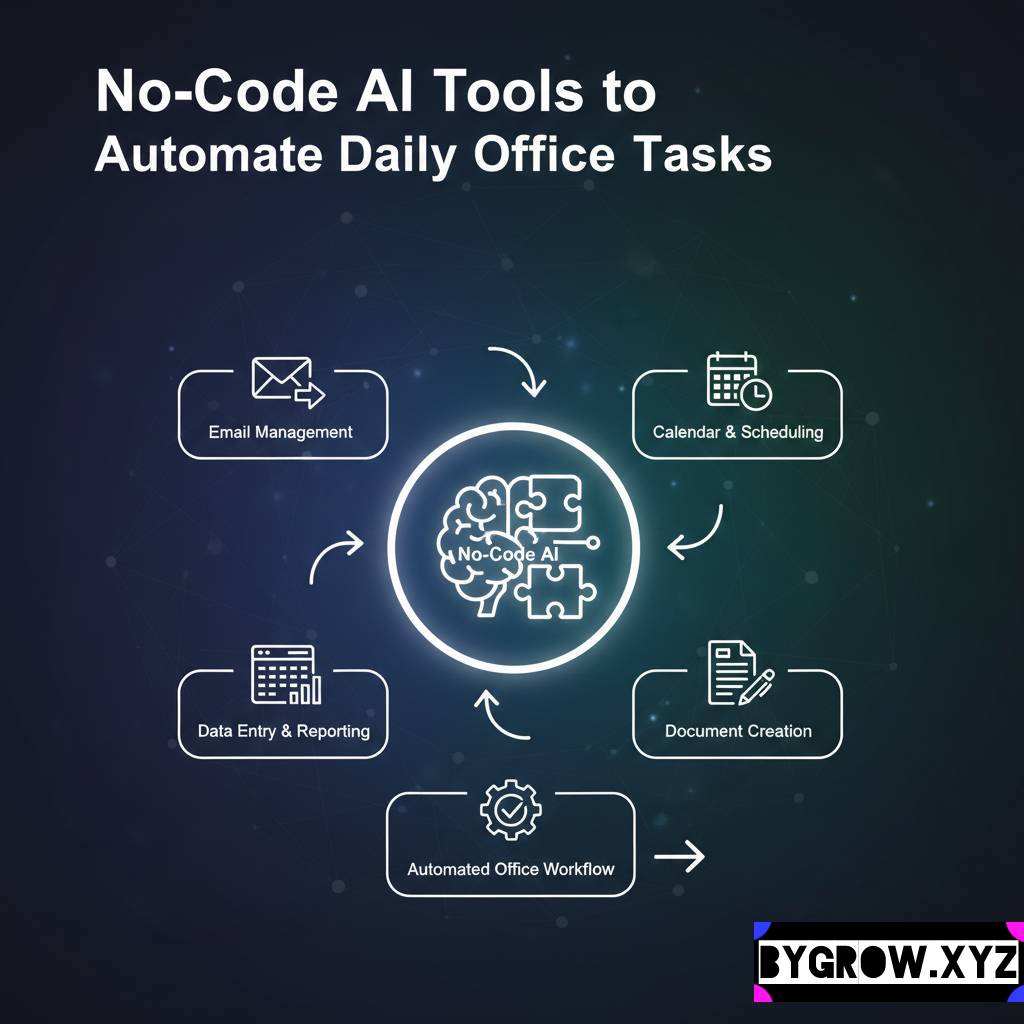
Running a small business in 2026 feels a lot like trying to navigate a speed-boat through a storm while simultaneously fixing the engine. Below I have provided few AI Tools for Small Business. I’ve been in the trenches with dozens of founders over the last few years, and the one thing that has changed more than anything else is the “busy work.” Remember when we used to spend three hours a day just responding to basic emails or trying to figure out why a spreadsheet wasn’t balancing?
Those days are honestly starting to feel like the stone age.
We’ve reached a point where the software we use doesn’t just store data; it actually understands what we’re trying to do. I’m not talking about the flashy, over-hyped tech that makes headlines for being weird or scary. I’m talking about practical, smart automation that acts like an invisible assistant in your back pocket.
If you’re still doing everything by hand, you’re not just working hard you’re losing time that your competitors are using to actually talk to their customers. Here is a look at the smartest tools currently helping small businesses stay sane and profitable this year.
Here are some AI Tools for Small Business:
The biggest drain on any small business owner is the constant “ping” of notifications. It’s the death of a thousand cuts for your productivity.
1. Sanebox (The Inbox Savior)
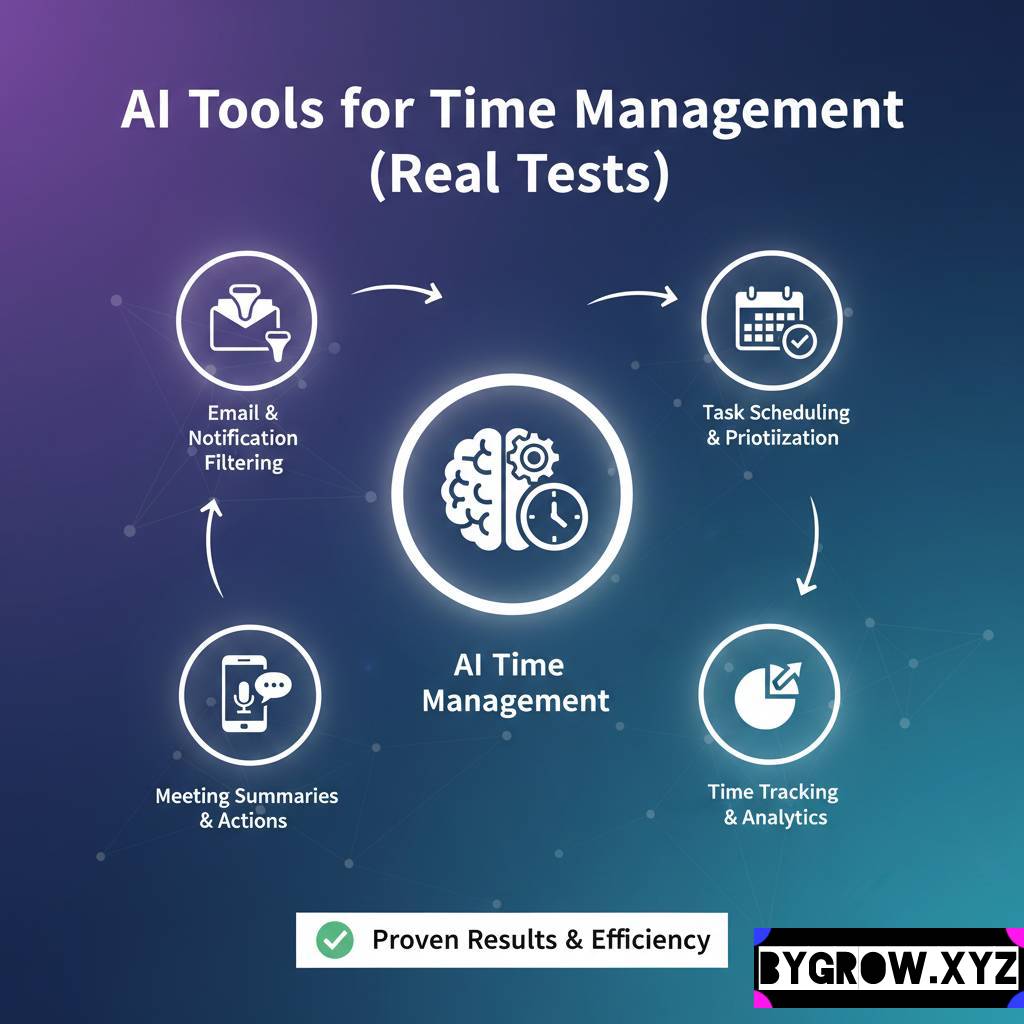
I started using Sanebox about two years ago, and I genuinely think it saved my blood pressure. Instead of you sorting through 200 emails to find the one that actually matters, this system learns your habits. It shuffles the newsletters and the “just checking in” notes into a separate folder, leaving only the urgent stuff in front of you. It’s simple, but it’s one of those things you can’t live without once you try it.
2. Calendly with Autonomous Scheduling
We’ve all done the “Is Tuesday at 2 PM good for you?” dance. In 2026, Calendly has evolved into something much smarter. It doesn’t just show a calendar; it uses logic-based agents to handle the back-and-forth. If someone asks for a time that’s technically open but usually when you’re doing deep work, the system can actually suggest a better alternative or even vet the lead before they get on your books. It’s like having a receptionist who knows your mood.
Content and Marketing: Finding Your Voice Without the Burnout
Content is still king, but creating it used to be a full-time job. Now, it’s more about being an editor than a creator.
3. Jasper (Your Creative Partner)
If you’re struggling to write a blog post or a product description, Jasper is still the gold standard. What I love about it now is the “Brand Voice” feature. You can feed it a few of your old emails or brochures, and it learns exactly how you sound whether that’s “professional and dry” or “quirky and caffeinated.” It helps you pump out a month’s worth of social media captions in about twenty minutes.
4. ElevenLabs (The Voice of Your Brand)
Video and audio are huge right now, but not everyone has a face for YouTube or a voice for radio. ElevenLabs lets you turn a written script into a perfectly natural-sounding voiceover. I’ve seen local shops use this to create high-quality social ads in minutes. You don’t need a studio; you just need a good script.
Operations and Money: The “Boring” Stuff That Matters
This is where the real magic happens. If you can automate your operations, you can actually take a weekend off.
YOU CAN ALSO READ:
Real Ways Students Are Using AI for Study Smarter5. HubSpot’s Intelligent CRM
Most small businesses use a CRM as a glorified address book. That’s a mistake. The modern version of HubSpot actually looks at your leads and tells you which ones are most likely to buy based on their behavior. It’ll flag a customer who has visited your pricing page three times but hasn’t reached out yet. It’s like having a sales manager who never sleeps and has a perfect memory.
6. QuickBooks with Smart Agents
Accounting used to be the bane of my existence. But the 2026 version of QuickBooks has these “agents” that handle the annoying stuff. It can automatically chase down an unpaid invoice, reconcile your bank feeds with terrifying accuracy, and even warn you if your cash flow looks a bit thin for next month. It takes the “guessing” out of your finances.
A Quick Reality Check: No tool is a silver bullet. If your business model is broken, a smart software isn’t going to fix it. It just helps you do what you’re already doing, but faster and with fewer headaches.
A Real-World Example: How “The Sourdough Spot” Scaled
Let’s look at a friend of mine, Sarah. She runs a boutique bakery. A year ago, she was miserable. She was baking from 4 AM to 11 AM, then spending the rest of her day answering Instagram DMs about “Do you have gluten-free options?” and trying to manage her flour inventory on a whiteboard.
She made three changes:
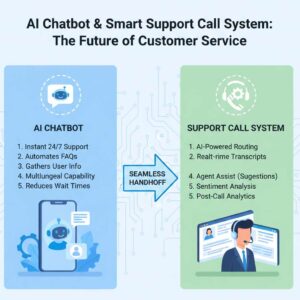
- She set up a Smart Chat Agent on her website to answer those basic “Do you have…” questions.
- She linked her Point-of-Sale (POS) system to a predictive inventory tool. Now, the software looks at her sales trends and automatically orders more flour when she’s running low, considering that the local delivery takes three days.
- She used Metricool to schedule all her “behind the scenes” videos for the week on Sunday afternoon.
The result? She’s doing 20% more in sales because she’s never out of stock, and she actually gets to hang out with her kids in the afternoon. She didn’t hire a manager; she just hired a few pieces of software.
The Biggest Mistakes I See People Making
I’ve seen a lot of people get “shiny object syndrome” with new tech. Here’s what to avoid:
- Over-automating the personal touch: If a long-term client calls you, they want you, not a logic-bot. Use the smart tools for the repetitive stuff, but keep the “heart” of your business human.
- Not training the system: These tools are like interns. They’re smart, but they need guidance. If you don’t take the time to set up your “Brand Voice” or your “Business Rules” correctly, you’ll get generic results.
- The “Set it and Forget it” Trap: You still need to look at your dashboard once a week. Software can miss nuances, and you’re still the pilot of the ship.
Practical Tips for Getting Started
If you’re feeling overwhelmed, don’t try to overhaul everything at once.
- Audit your “Ugh” tasks: For one week, write down every task that makes you sigh. Is it invoicing? Is it social media? Is it scheduling?
- Pick ONE tool: Start with the one that solves your biggest “Ugh” task. Use it for a month. Get comfortable.
- Connect the dots: Use a tool like Zapier to make your software talk to each other. For example, when someone fills out a contact form on your site (Tool A), it should automatically create a lead in your CRM (Tool B) and send you a notification (Tool C).
Closing Thoughts
The gap between “struggling” and “scaling” in 2026 isn’t just about how hard you work. It’s about how much of your brain you’re wasting on tasks that a $20-a-month subscription could handle for you.
YOU CAN ALSO READ:
How to Build Own Private Prompt Library for AI WorkflowsWe’re in an era where small businesses have the same kind of power that big corporations used to have, simply because the technology has become so accessible and, frankly, so much better at understanding us. My advice? Be the person who uses the tools, not the person who is afraid of them. Your futureself the one who actually gets a full night’s sleep will thank you.
Explore more categories:
https://bygrow.in/category/ai-for-developers-and-technical-limits/
https://bygrow.in/category/ai-in-marketing-seo-and-content-creation/