Today We’ll learn, How to build own private prompt library for AI Workflows. Ever had that moment where you finally got a piece of software to do exactly what you wanted, but then a week later, you couldn’t for the life of you remember what you told it? It’s like finding a secret recipe, cooking the best meal of your life, and then realizing you accidentally tossed the napkin you scribbled the ingredients on.
For most small business owners and freelancers today, our most valuable “intellectual property” isn’t just the products we sell; it’s the way we communicate with our digital systems to get things done. If you find yourself typing the same complex instructions over and over or worse, getting inconsistent results because you can’t remember the “magic words” you used last time it is time to stop winging it. You need a private library.
Think of a prompt library as a high-performance playbook for your business operations. It’s a central, organized repository of the exact creative briefs, command sets, and workflows that have actually worked for you.
Private Prompt Library : Why a “Search Bar” Mentality Is Holding You Back
Most people treat their digital assistants like a one-off search engine. They type something in, get a result, and move on. But the real power comes when you treat these interactions as reusable assets. When you spend twenty minutes refining an instruction to perfectly capture your brand’s tone for a newsletter, that twenty minutes shouldn’t be a “sunk cost.” It should be an investment.
If you don’t save that instruction, you’re essentially starting from zero every single morning. A private library allows you to scale your own expertise. It ensures that if you hire an intern or a virtual assistant tomorrow, they can produce work that looks exactly like yours because they have access to your “recipe book.”
Choosing the Right “Container”
Before we get into the “how-to,” let’s talk about where this library should live. Don’t overthink this. If the system is too complicated, you won’t use it. I’ve seen people try to build complex databases that end up gathering digital dust.
- Notion or Obsidian: These are great if you like a bit of structure. You can use “tags” for different departments (Sales, HR, Marketing) and easily search for what you need.
- A Simple Google Doc: Honestly, for many people, this is the best way to start. It’s searchable, shareable, and lives in the cloud.
- Text Expanders: If you have short instructions you use ten times a day (like a specific way to summarize an email), a tool like TextExpander or even the built-in shortcuts on your Mac/PC can turn a three-word trigger into a 200-word instruction.
Personally, I use a dedicated Notion page. It’s not fancy. It’s just a list of headers with the “raw text” underneath. The key is that it’s one click away at all times.
How to Build Your Library: A Step-by-Step Guide
Building a library doesn’t mean sitting down and writing 100 instructions today. It means changing how you work so the library builds itself over time.
1. The “Capture the Win” Rule
Every time you get a result from a smart tool that makes you say, “Wow, that’s actually perfect,” stop. Do not move on to the next task yet. Copy the instruction you used to get that result and paste it into your “Inbox” (a temporary folder in your library).
2. Strip Out the Specifics
To make an instruction reusable, you need to turn it into a template.
YOU CAN ALSO READ:
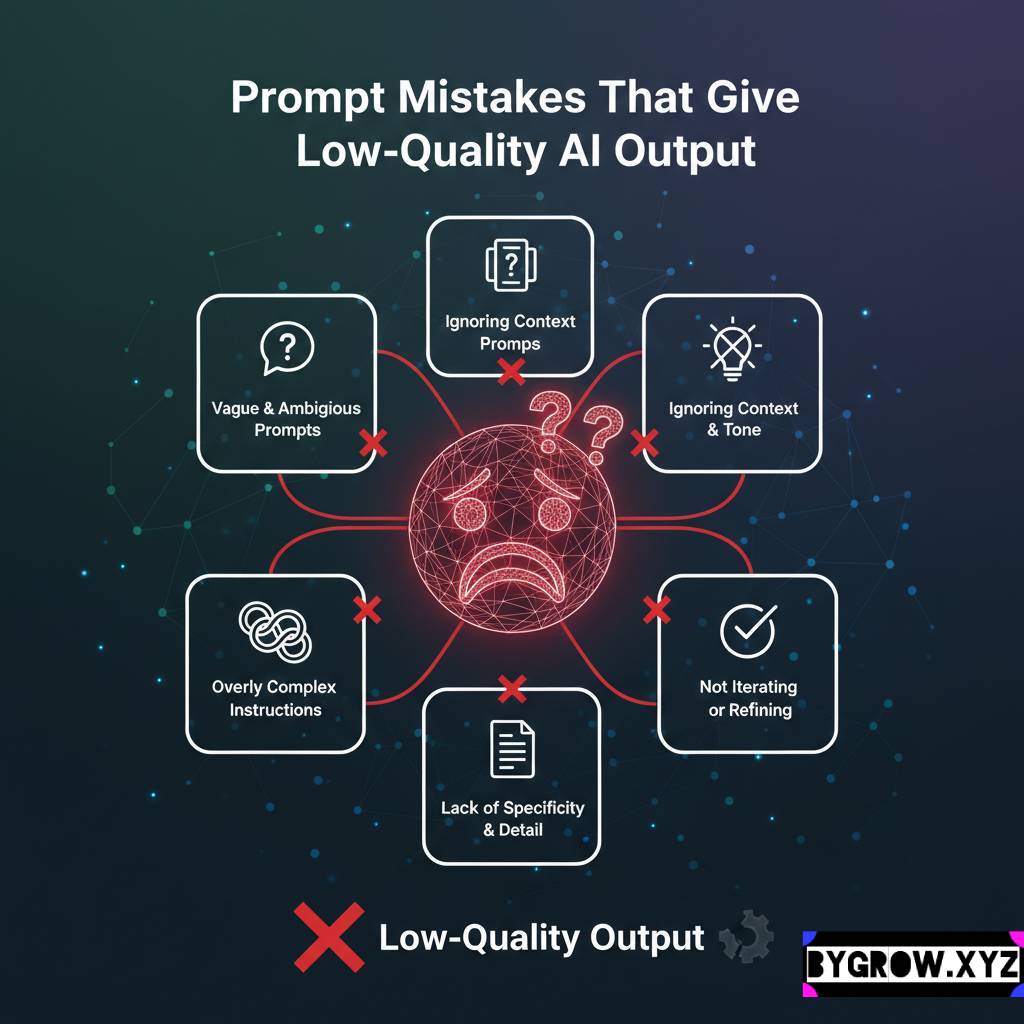
Prompt mistakes that give low-quality AI output- Original: “Write a 200-word caption for my new blue suede shoes that are on sale for $50.”
- Template: “Write a 200-word caption for [Product Name] that highlights the [Key Feature] and mentions the [Price/Offer].”By using brackets like [Product Name], you create a fill-in-the-blank system that works for any future launch.
3. Add the “Why” (Context)
A year from now, you won’t remember why a specific instruction worked. Underneath your template, add a quick “Context Note.”
- Example: “Use this when the client is angry but it’s technically our fault. It uses the ‘Empathy First’ framework which has a 90% success rate in de-escalating.”
4. Categorize by Outcome
Don’t organize by the tool you used; organize by the result you want. I have folders for:
- Voice & Tone: (The instructions that tell the system how I sound).
- Sales Outreach: (The briefs for cold emails and LinkedIn messages).
- Data Crunching: (The commands I use to turn a messy CSV file into a clean summary).
- Content Pillars: (The blueprints for my blog and social media).
A Real Life Example: The Recruiter’s Edge
I have a friend named Mike who runs a small boutique recruiting firm. He used to spend his entire Sunday night writing “reach-out” messages to candidates for the upcoming week. He was good at it, but he was exhausted.
One day, he finally nailed a specific instruction that helped the software write messages that felt incredibly personal almost like he’d spent an hour researching each person. Instead of just being happy about it, he saved it as his “High-Value Candidate Outreach” template.
Now, Mike has a library of about 15 of these “golden” instructions. He’s gone from spending six hours on Sundays to about forty minutes. He just opens his library, grabs the right template, swaps out the name and company, and hits go. He’s not “outsourcing” his brain; he’s just leveraging his past successes.
Practical Tips and Mistakes to Avoid
Building a library is a bit like organizing a kitchen if you put things in the wrong place, you’ll never find them when you’re in a rush.
- Mistake: The “Dump and Run.” Just pasting a 500-word block of text without a headline is useless. You’ll spend more time searching than you’ll save. Always give your templates a clear, result-oriented title.
- Mistake: Forgetting the Version Control. If you find a way to make an old instruction 10% better, update the library! Delete the old one. Don’t let your library become a graveyard of “okay” ideas.
- Tip: Include “Negative Constraints.” Some of the most valuable things to save are the things you don’twant. I have a “Do Not Use” list in my library that I include in almost every creative brief. It includes things like “Don’t use corporate buzzwords” and “Don’t mention our competitors.”
- Tip: The “Master Voice” File. Keep one master instruction that describes your brand’s personality, your target audience, and your core values. You can then copy-paste this “DNA” into every new task to ensure the system always knows who it’s talking for.
Final Thoughts: Ownership is Everything
In the next few years, the people who thrive aren’t going to be the ones who can type the fastest. They’re going to be the ones who have the best “library of thoughts.” Your ability to clearly articulate a task to a smart system is a skill, and your library is the proof of that skill.
Don’t let your best ideas vanish into the “history” tab of your software. Start a simple document today. Every time you have a “win,” record the recipe. Over time, you’ll find that you aren’t just working faster you’re working better, because you’re standing on the shoulders of your own past successes.
YOU CAN ALSO READ:
AI tools that replaced manual jobs in one workflowIt’s a bit of a chore for the first week, but once you have your first five “golden templates,” you’ll wonder how you ever functioned without them.
Explore more categories:
https://bygrow.in/category/ai-tools-automation-for-business/
https://bygrow.in/category/prompt-engineering-and-prompt-libraries/