No-Code AI tools became the popular choice of most corporate employees nowadays. Most of us show up to the office wanting to be creative or solve big problems, but we spend four hours a day trapped in a cycle of formatting spreadsheets, hunting for emails, and rewriting the same meeting summaries. It is exhausting, and quite frankly, it’s a waste of the brainpower you’re actually getting paid for.
The good news is that we’ve finally reached a point where you don’t need to be a software engineer to fix this. For years, automation was something only the “tech people” could do. You had to know Python or SQL just to get two apps to talk to each other. But in 2026, the barrier to entry has completely crumbled. No-code tools have become so intuitive that if you can drag a box across a screen or describe what you want in plain English, you can build a system that does your grunt work for you.
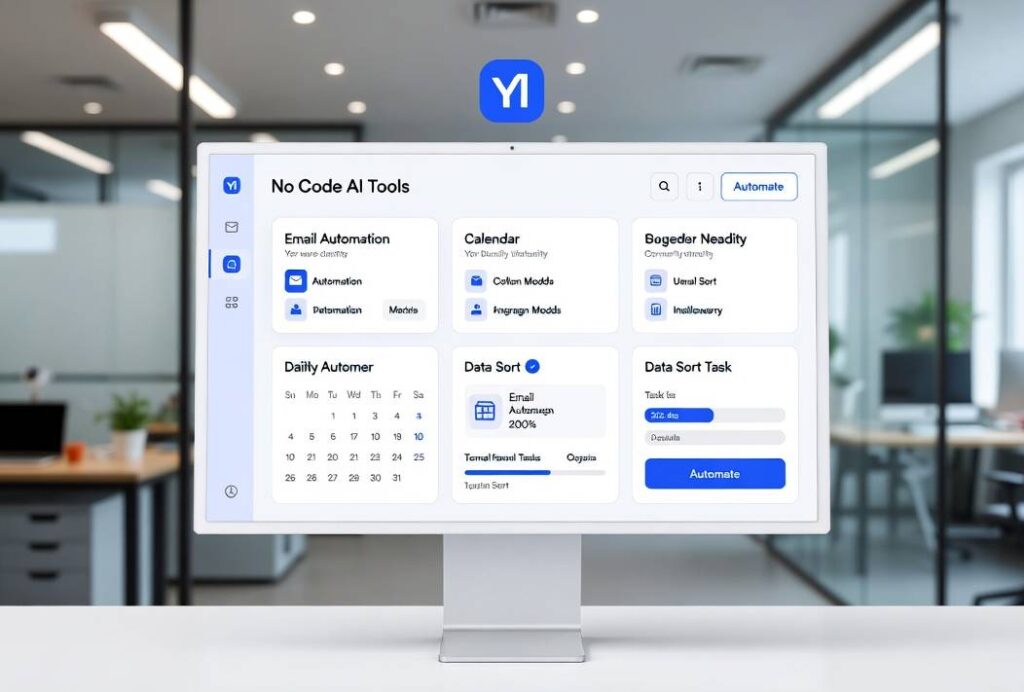
The End of the “Data Entry” Era: No-Code Ai Tools
The biggest soul-crusher in any office is moving information from Point A to Point B. Maybe it’s taking lead info from a website and putting it into a CRM, or grabbing invoice totals from a PDF and typing them into QuickBooks. This kind of work is where human error thrives and happiness goes to die.
Modern tools like Clay or Browse.ai have fundamentally changed this. Instead of you manually visiting twenty LinkedIn profiles to find out where your old clients have moved, these tools can “scrape” that data and organize it into a neat table without you writing a single line of code. They act like a digital vacuum cleaner, sucking up the specific information you need and dumping it exactly where you want it.
If you’re still copy-pasting, you’re essentially acting as a human bridge for your computer. It’s time to stop. These no-code platforms allow you to set up “watchers” that monitor websites or documents and alert you only when something actually changes.
Meeting Culture Is Finally Shifting
We’ve all been in that meeting the one that could have been an email, where everyone talks for an hour and nobody takes notes. Then, the next day, everyone is Slacking each other asking, “Wait, who was supposed to handle the budget revision?”
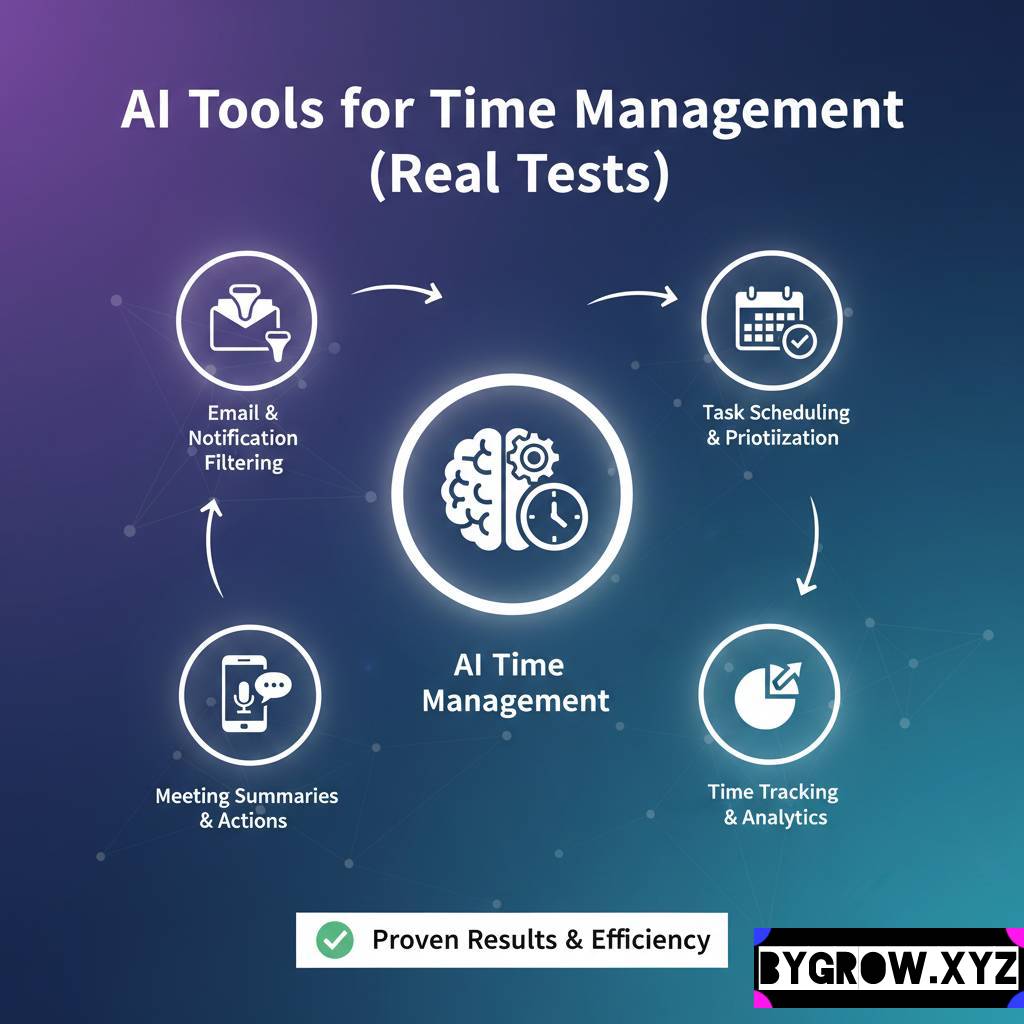
I’ve started using tools like Otter.ai or Fireflies not just to record audio, but to actually manage the workflow. These aren’t just transcription bots anymore. They can identify action items, categorize them by the person responsible, and even draft the follow-up email before the Zoom call has even ended.
Think about the time you’d save if you never had to write “per our conversation” ever again. You just review the summary, hit send, and get back to your actual job. It turns a passive hour of listening into an active, automated task-generator.
How to Automate Your First Task (A Simple 4-Step Guide)
You don’t need to overhaul your entire workflow in one afternoon. In fact, that’s a great way to break everything and end up more stressed than when you started. Instead, follow this simple “How to” for your most annoying recurring task.
1. Identify the “Trigger”
Every office task starts with a signal. Is it an incoming email? A new row in a Google Sheet? A Slack message with a specific emoji? Identify that first domino. For example, let’s say the trigger is “Receiving an invoice via email.”
YOU CAN ALSO READ:
List of 10 free AI tools for daily use to increase productivity2. Connect the “Glue”
Use a platform like Zapier or Make.com. These are the “Lego blocks” of the internet. You tell the system: “When an email arrives in my ‘Invoices’ folder (The Trigger), send the attachment to my cloud storage.”
3. Add the “Intelligent Step”
This is the no-code magic. Use an integrated tool to “Read” the PDF. Tell the system to find the “Total Amount,” the “Due Date,” and the “Vendor Name.” You don’t need to code this; you just click on the areas of the document you want it to look at.
4. Choose the “Destination”
Where does that info need to go? A Slack channel to notify your boss? An Excel sheet for tracking? Or directly into your accounting software? Set the final destination, run a test, and then walk away. You’ve just saved yourself 5 minutes per invoice. If you get 20 invoices a week, you just bought yourself nearly 9 hours of free time every year.
Real-Life Example: The “Swamped” Property Manager
I worked with a property manager named Elena last year. She was managing about 40 different units and was losing her mind. Every time a tenant had a repair issue, they’d text her, email her, or call her. She was spending her entire day just playing “middleman” between tenants and contractors.
We built a simple no-code loop for her. We gave the tenants a simple digital form. When a tenant submitted a repair request:
- The system automatically categorized it (Plumbing, Electrical, etc.).
- It sent a text to the specific contractor she used for that category.
- It created a calendar event for a follow-up three days later to ensure the job was done.
- It logged the whole thing in a tracking sheet for the property owners.
Elena didn’t have to touch a single piece of paper or send a single “Are you coming today?” text. She went from being a stressed-out dispatcher to a proactive manager. The tech did the nagging so she didn’t have to.
Practical Tips and Common Traps
Building these automations is addictive, but there are some pitfalls that can trip you up if you aren’t careful.
- The “If It Ain’t Broke” Rule: Don’t automate a task you only do once a month. The setup time won’t be worth the payout. Only go after the tasks that happen daily or weekly.
- Garbage In, Garbage Out: If your initial data is messy (like a handwritten note scanned into a computer), the automation might struggle. Try to digitize your “triggers” as early as possible.
- The Human Checkpoint: Always, always, always build in a “Review” step for anything that goes to a client or involves money. You want the system to do the work, but you want to be the one who gives the final “Okay.”
- Avoid “Tool Fatigue”: You don’t need twelve different apps. Most of the time, three solid tools that talk to each other are better than a dozen shiny new ones that don’t.
Mistakes to Avoid
- Over-complicating the logic: If your automation has twenty different “If/Then” branches, it’s going to break, and you won’t know why. Keep it linear.
- Ignoring the “Logs”: Every now and then, check the “history” tab in your automation tools. You’ll often find that a task failed because a password changed or a folder was renamed.
- Thinking it’s “Set and Forget”: Business processes change. If you change how you bill clients, you need to update your automation. Make a note to audit your “digital employees” once a quarter.
Conclusion
The future of office work isn’t about working more hours; it’s about making your hours count for more. These no-code tools are essentially giving you a team of invisible assistants who never sleep, never get bored, and never forget to follow up.
The most successful people I know in 2026 aren’t the ones who stay the latest at the office. They’re the ones who took the time to build a “system” that handles the repetitive stuff. It takes a little bit of upfront effort to map out your tasks and click the right boxes, but the payoff the mental clarity of knowing the “boring stuff” is handled is worth every second.
YOU CAN ALSO READ:
Prompt engineering basics for non-technical usersStart small. Pick that one task you absolutely hate doing every Monday morning. Fix that first. Once you see it happen automatically, you’ll never want to go back to the manual way again.
Explore more categories:
https://bygrow.in/category/ai-tools-automation-for-business/
https://bygrow.in/category/prompt-engineering-and-prompt-libraries/