Prompt engineering: Nowadays, Most people approach these new digital assistants like they’re using a Google search bar from 2010. They type in three or four words, hit enter, and then act surprised when the result is generic, boring, or completely off the mark. If you’ve ever felt like you’re talking to a brick wall that occasionally spits out mediocre poetry, the problem probably isn’t the technology. The problem is that you’re “searching” when you should be “delegating.”
I’ve spent the last two years treating these systems like a group of highly over-educated, slightly literal-minded interns. They’ve read every book in the library, but they have absolutely zero common sense regarding your specific life or business unless you give it to them. Learning how to talk to these systems often called “prompting” is less like coding and a lot more like being a good manager.
If you want to stop getting “fine” results and start getting “wow” results, you need to change your mindset. Here is how I’ve learned to get the most out of these tools without needing a computer science degree.
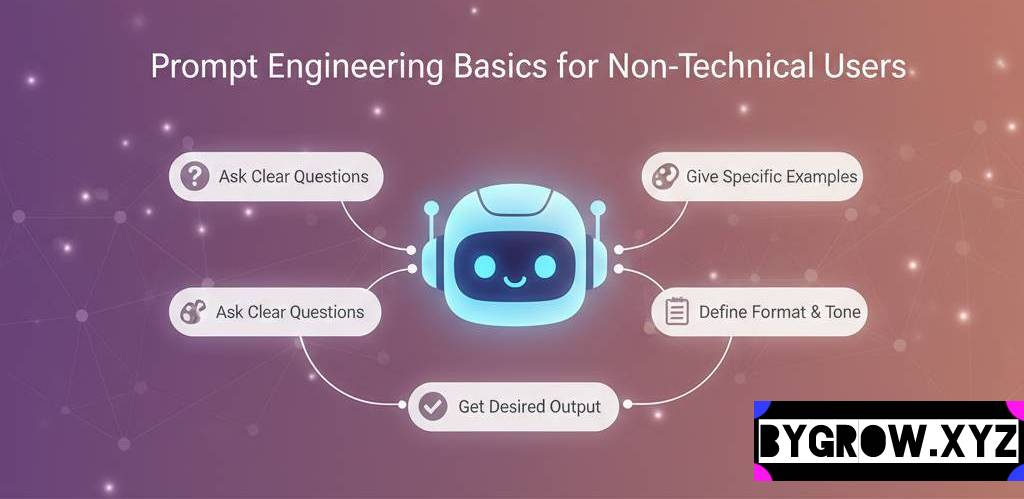
The “Intern” Mindset: Stop Searching, Start Briefing: Prompt engineering
When you use a search engine, you’re looking for a needle in a haystack. When you use these modern digital assistants, you’re asking the system to build the needle for you.
Think of it this way: If you hired a new assistant and told them, “Write a report,” they’d look at you blankly. A report about what? For whom? How long? Should it be funny or professional?
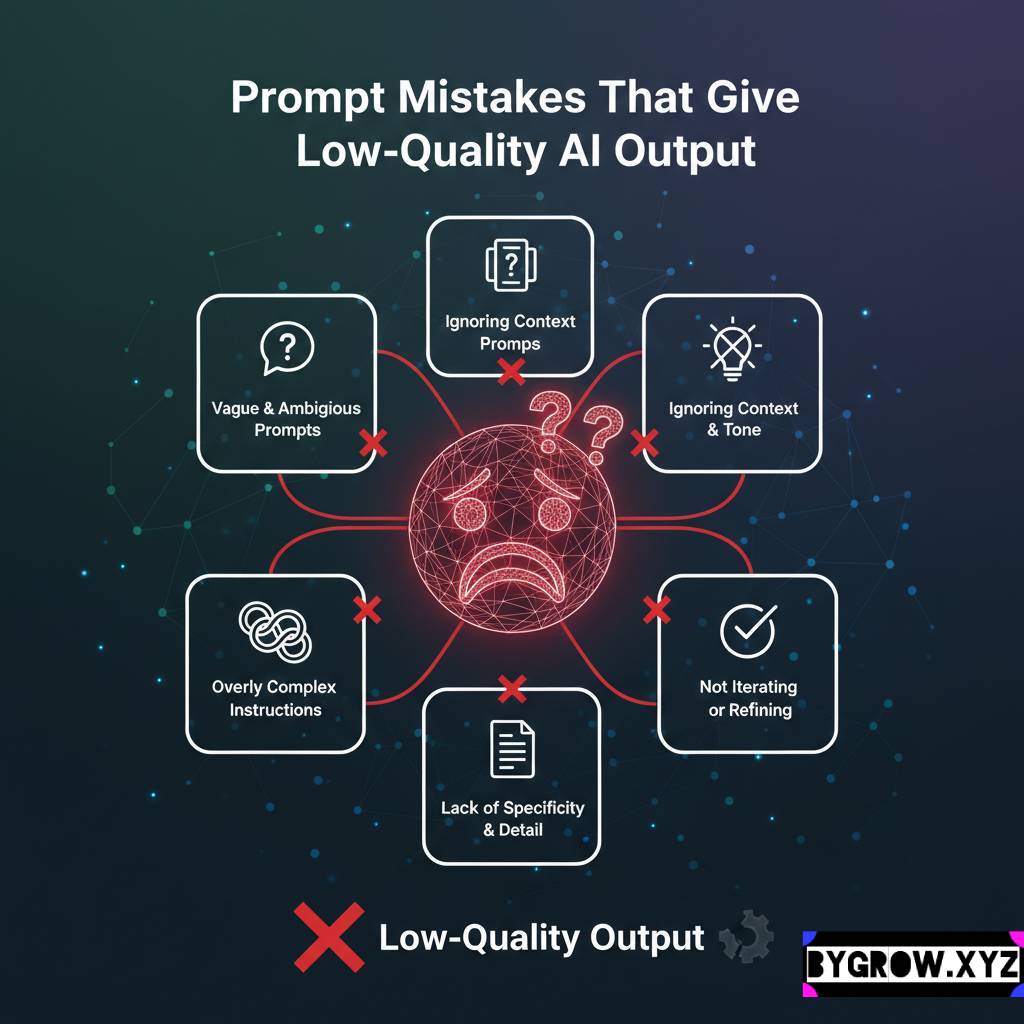
The biggest mistake I see non-technical users make is being too brief. They think being “efficient” means using fewer words. In this world, efficiency comes from clarity, and clarity often requires more words, not fewer. You aren’t just “asking” for something; you are providing a creative brief.
The Anatomy of a Perfect Instruction
I’ve found that almost every “perfect” result I’ve ever received came from an instruction that followed a specific four-part structure. You don’t have to follow this every single time for simple things, but for the big stuff, it’s a lifesaver.
1. Give it a Role (The “Who”)
Don’t just ask for advice. Tell the system who it is supposed to be. If I want medical information explained to me, I don’t just say “Explain heart health.” I say, “Act as a world-class cardiologist speaking to a patient who has no medical background.”
By giving it a persona, you’re telling the system which “part” of its massive brain to use. You can tell it to act like a grumpy project manager, a supportive life coach, or a cynical marketing executive. The tone will change instantly.
2. Provide the Context (The “Why”)
This is where 90% of people fail. The system doesn’t know you’re a small business owner in Ohio trying to save money on shipping. It doesn’t know you’re a parent of three trying to organize a birthday party on a $50 budget.
I always start with the “background story.”
- “I am planning a 40th birthday party for my husband…”
- “I am a freelance graphic designer trying to write a contract for a new client who is notoriously difficult…”
- “I have a fridge full of leftover chicken, half an onion, and some wilted spinach…”
The more details you give about your current situation, the less the system has to “guess.” When it guesses, it gets generic.
3. Define the Task (The “What”)
Be incredibly specific about what you want the end product to be. Instead of saying “Help me with my diet,” say “Create a 7-day meal plan for a vegetarian who hates mushrooms and only has 20 minutes to cook dinner.”
4. Set Constraints and Format (The “How”)
This is my favorite part. You can tell the system how to look and behave.
- “Keep it under 200 words.”
- “Use bullet points.”
- “Write it in the style of a 1920s noir detective.”
- “Don’t use any buzzwords or corporate jargon.”
- “Format this as a table with columns for ‘Date,’ ‘Action Item,’ and ‘Person Responsible.'”
A Real-Life Example: From Generic to Great
Let’s look at a common task: writing a polite email to a client who hasn’t paid their bill.
YOU CAN ALSO READ:
The Future of Jobs in an AI World (2025–2030)The “Search Bar” Approach:
Prompt: “Write an email asking a client to pay their invoice.”
Result: A very stiff, robotic “Dear Valued Customer, please pay your bill. Thank you.” (This is why people think these tools are boring.)
The “Instruction Mastery” Approach:
Prompt: “I’m a freelance wedding photographer. My client, Sarah, is three weeks late on her final payment of $1,500. We actually got along great during the shoot, so I don’t want to sound like a jerk or be too aggressive. I want to be friendly but firm, reminding her that the contract requires payment before I release the high-res images. Write a short email that sounds like it’s coming from a person, not a law firm. Don’t use the word ‘overdue’ in the subject line.”
The Difference: The second result will actually be usable. It’ll mention the “high-res images” (which I gave it as a detail) and it’ll nail the “friendly but firm” tone because I defined the relationship.
“Show, Don’t Just Tell” (The Power of Examples)
If you have a very specific way you like things done, the best thing you can do is give the system an example. I call this the “Like This” technique.
If I want the system to write social media captions for me, I’ll paste in three of my best-performing captions from last month and say: “Here are three examples of my writing style. Notice how I use short sentences and always end with a question. Now, write a new caption about our upcoming summer sale in this exact style.”
It’s like showing a tailor a suit you already love. It’s much easier for them to copy the fit than for you to explain the measurements.
Use “Step-by-Step” Logic for Complex Problems
If you’re asking the system to help you with something complicated like a business strategy or a complicated math problem there is a magic phrase you should use: “Think through this step-by-step.”
It sounds silly, but by telling the system to take its time and show its work, you actually force it to be more accurate. It’s the difference between a kid blurting out an answer in class and a student writing out the whole equation on the chalkboard. When the system “thinks out loud,” it catches its own mistakes.
Practical Tips and Common Mistakes
I’ve made every mistake in the book, so you don’t have to. Here are the things that usually trip people up:
- Mistake: Being Too Polite. You don’t need to say “Please” and “Thank you.” The system doesn’t have feelings. It won’t get offended if you’re blunt. Save your typing fingers for more context instead.
- Mistake: The “One and Done” Trap. Most people give up if the first answer isn’t perfect. I rarely use the first result. I’ll say, “This is good, but make it shorter,” or “Can you make the second paragraph more punchy?” It’s a conversation.
- Mistake: Too Much Info at Once. If you have a massive project, don’t dump it all in one prompt. Break it down. Ask for an outline first. Once you like the outline, ask it to write section one. Then section two.
- Tip: The “Reverse Prompt.” If you aren’t sure what info to give, ask the system! Say, “I want you to act as my business consultant and help me write a 5-year plan. What information do you need from me to do a great job?” It will give you a list of questions to answer.
The Bottom Line
We are living in a time where the “language” of technology is finally just… language. You don’t need to learn C++ or Python to get amazing things done; you just need to be a better communicator.
The secret to mastering these tools isn’t a secret at all. It’s just about being specific, providing context, and treating the interaction like a collaborative partnership rather than a vending machine. The more you put into the “brief,” the more you’ll get out of the result.
YOU CAN ALSO READ:
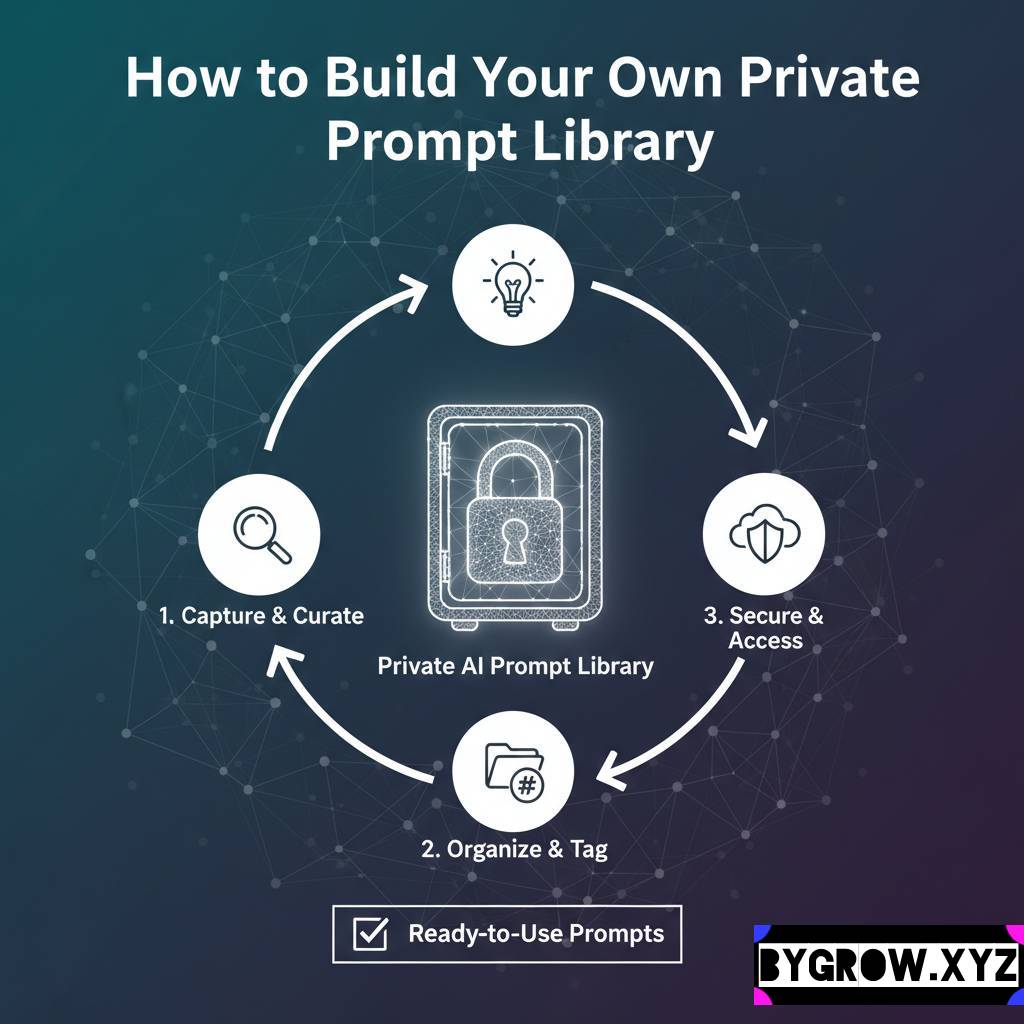
How to Build Own Private Prompt Library for AI WorkflowsNext time you’re about to hit “enter” on a three-word prompt, stop. Take thirty seconds to explain why you’re asking and how you want the answer to look.
Explore more categories:
https://bygrow.in/category/ai-in-marketing-seo-and-content-creation/
https://bygrow.in/category/ai-tools-automation-for-business/