Website building with AI is a matter of few minutes. But before that, You had to hire an architect, a foreman, and a crew of specialists just to get a foundation in the ground. But walk into any coffee shop today, and you’ll find entrepreneurs launching full-scale sites over a latte using nothing but smart automated builders.
There is a loud, ongoing debate about whether these intelligent design tools have finally rendered human developers obsolete. Having sat on both sides of the table coding sites from scratch and using the latest “instant” builders the truth isn’t quite as simple as the marketing teams want you to believe. If you are standing at the crossroads of a new project, deciding whether to spend $50 on a subscription or $5,000 on a pro, you need an honest breakdown of where the tech wins and where it falls flat on its face.
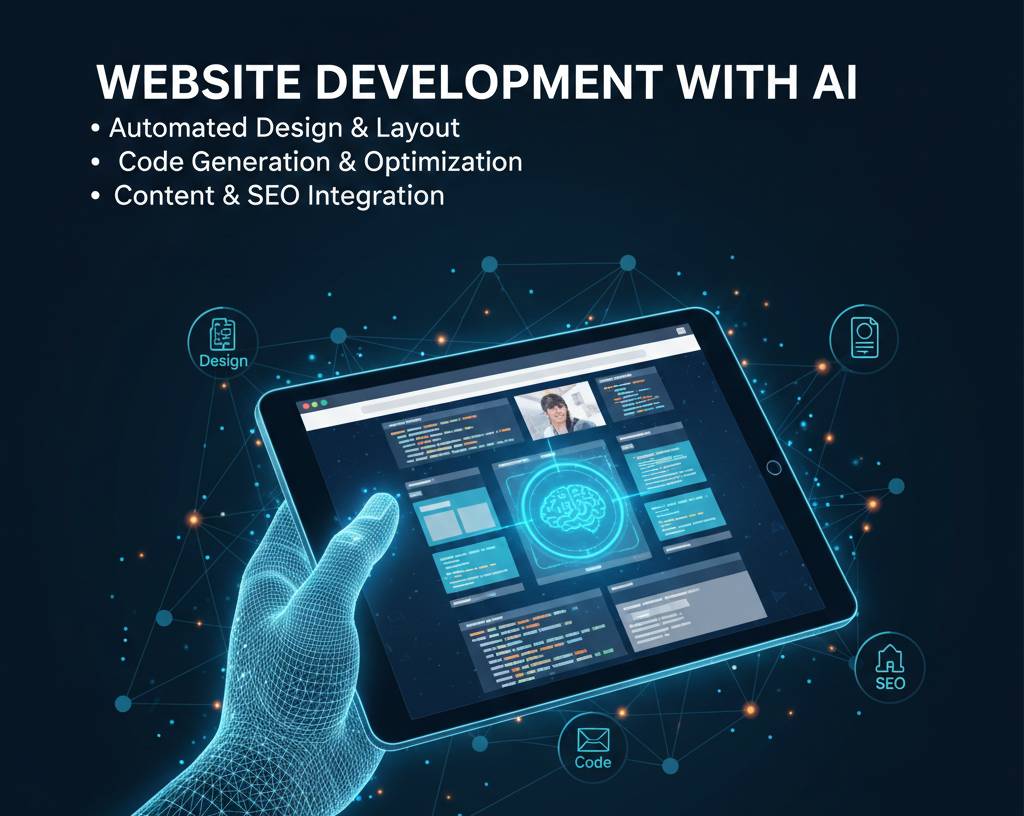
The Rise of the “Instant” Web: Website building with AI
Modern site builders like Framer, 10Web, and Wix Studio have turned what used to be a months-long marathon into a weekend sprint. You can now describe your business say, a boutique organic bakery in Seattle and the system will generate a layout, write the copy, and pick the color palette in under two minutes.
The aesthetic quality is surprisingly high. These tools are trained on what “good” design looks like in 2026. They follow the rules of hierarchy, white space, and mobile responsiveness with a level of consistency that many junior developers struggle to match. For a small business owner, the appeal is obvious: it’s fast, it’s cheap, and you don’t have to deal with the “I’ll get back to you next Tuesday” lag that comes with human freelancers.
When the “Human Touch” Is Irreplaceable
If you just need a digital flyer a place to show your hours, your menu, and your location the automated route is a no-brainer. But websites aren’t just pictures on a screen; they are functional software. This is where the divide starts to show.
A human developer understands “why.” They understand that your checkout flow feels clunky because of a specific psychological friction point, not just because a template didn’t include a button there. When things break and they always do a developer can dive into the raw code and fix a specific conflict between two plugins. With an automated builder, you are often stuck inside a “black box.” If the tool doesn’t have a toggle for the specific thing you want to change, you are simply out of luck.
More importantly, developers build for scale. They think about how your site will handle 10,000 simultaneous visitors or how it will integrate with a very specific, legacy inventory system. Most automated builders produce “heavy” code a lot of unnecessary digital fluff that can slow down your site and hurt your SEO over time.
How to Decide: The “Three-Question” Filter
Before you pull out your credit card, ask yourself these three things. They will save you months of frustration.
1. Is my business “Standard” or “Unique”?
If you’re a lawyer, a plumber, or a consultant, your site needs are likely standard. A smart builder like Dora or Hostinger will do 95% of what you need. If you are building the next revolutionary social network or a complex marketplace with custom bidding logic, you need a developer. Automation can’t build what hasn’t been done a thousand times before.
YOU CAN ALSO READ:
Smart Cost-benefit analysis of AI adoption for startups2. What is my “Time-to-Value”?
Do you need to be live tomorrow to catch a seasonal rush? Go with the tech. You can always “v2” the site with a developer later. If you have the luxury of time and want a “forever home” for your brand, start with a pro.
3. What is the actual budget?
This is where people get tripped up. An automated site might cost $30 a month, but the time you spend “fighting” the tool to make it do exactly what you want has a cost too. If you value your time at $100 an hour and you spend 40 hours tweaking a template, that “cheap” site just cost you $4,000. While we are talking about numbers, if you’re planning to take out a business loan or use significant personal savings for a high-end custom build, ask your financial advisor about the best way to leverage that capital for tax benefits.
Practical Guide: Building with the New Tech
If you decide to go the automated route, don’t just “click and hope.” You need a strategy to make it look professional.
- Step 1: The Content-First Approach. Don’t let the tool write your story. Use a tool like Relume to map out your site’s structure, but write your own headlines and “About” section. Personality is the only thing the machine can’t fake.
- Step 2: Choose the Right Engine. * For high-end design: Framer.
- For ease of use: Wix Studio.
- For WordPress fans: 10Web.
- Step 3: Audit the Performance. Once the site is “generated,” run it through Google PageSpeed Insights. If the score is low, you’ll need to manually optimize your images or trim down the flashy animations.
- Step 4: The SEO Layer. Automated builders often neglect “Schema” and “Metadata.” You’ll need to go in and manually set your page titles and descriptions if you want to actually show up in search results.
Real-Life Example: The Boutique Gym Pivot:
I remember a client of mine, Sarah, who runs a local yoga studio. She spent $6,000 on a custom developer in 2022. Every time she wanted to change a class time or add a new instructor, she had to wait three days for the dev to update the code. It was a nightmare.
Last year, she scrapped the whole thing and moved to an automated builder. She used Square Onlinebecause it integrated directly with her booking software. Now, she makes updates from her phone between classes. Is the design as “unique” as the old site? Maybe not. But her conversion rate went up because the site actually worked and stayed updated.
She took the money she saved on developer retainers and invested it into a diversified index fund. As I told her then, you should definitely ask your financial advisor before making a big jump from business spending to personal investing, but the point is that her “cheaper” site became a better business asset.
Common Mistakes and Red Flags
- Mistake: Falling for the “Infinite Features” trap. Just because a builder lets you add a 3D spinning galaxy to your homepage doesn’t mean you should. It kills your load speed.
- Mistake: Ignoring Ownership. Some builders make it almost impossible to export your site. If you want to move away from them later, you might have to start from scratch. Always check if you can export to “Clean Code.”
- Tip: Hire a “hybrid” pro. There is a new breed of developers who specialize in “No-Code/Low-Code.” They use the smart tools to build 80% of the site quickly and then use their coding skills to finish the final 20%. This is often the “Goldilocks” solution better than a bot, cheaper than a full custom build.
- Tip: Watch the “Hidden” Costs. Hosting, domain privacy, premium plugins, and transaction fees can turn a $20/month site into a $100/month expense. Ask your financial advisor if these recurring costs are being correctly tracked as operational expenses for your year-end filings.
The Verdict: 2026 and Beyond
We’ve reached a point where the “middle class” of web developers is disappearing. The tools have gotten so good that “basic” web development is now a commodity.
If you are a small business starting out, start with the technology. It’s too good and too fast to ignore. It allows you to test your ideas without going into debt. But as soon as your website starts being a primary driver of your revenue meaning, if your site goes down for an hour and you lose thousands of dollars that is the day you hire a human.
YOU CAN ALSO READ:
Prompt mistakes that give low-quality AI outputThe tech provides the house; the developer provides the insurance and the custom renovations. Use the tools to get in the game, but use a pro to stay there.
Explore more categories:
https://bygrow.in/category/ai-tools-automation-for-business/
https://bygrow.in/category/prompt-engineering-and-prompt-libraries/